
Digital Business Cards for Sales Reps: Fewer Steps Between Meeting and Follow-Up
Share your details from Apple Wallet or Google Wallet. Choose a card package you can update when your title, number, or sales territory changes.
DigiCard Pro Blog
Practical tips for modern networking and faster contact sharing.
Share your details from Apple Wallet or Google Wallet. Choose a card package you can update when your title, number, or sales territory changes.
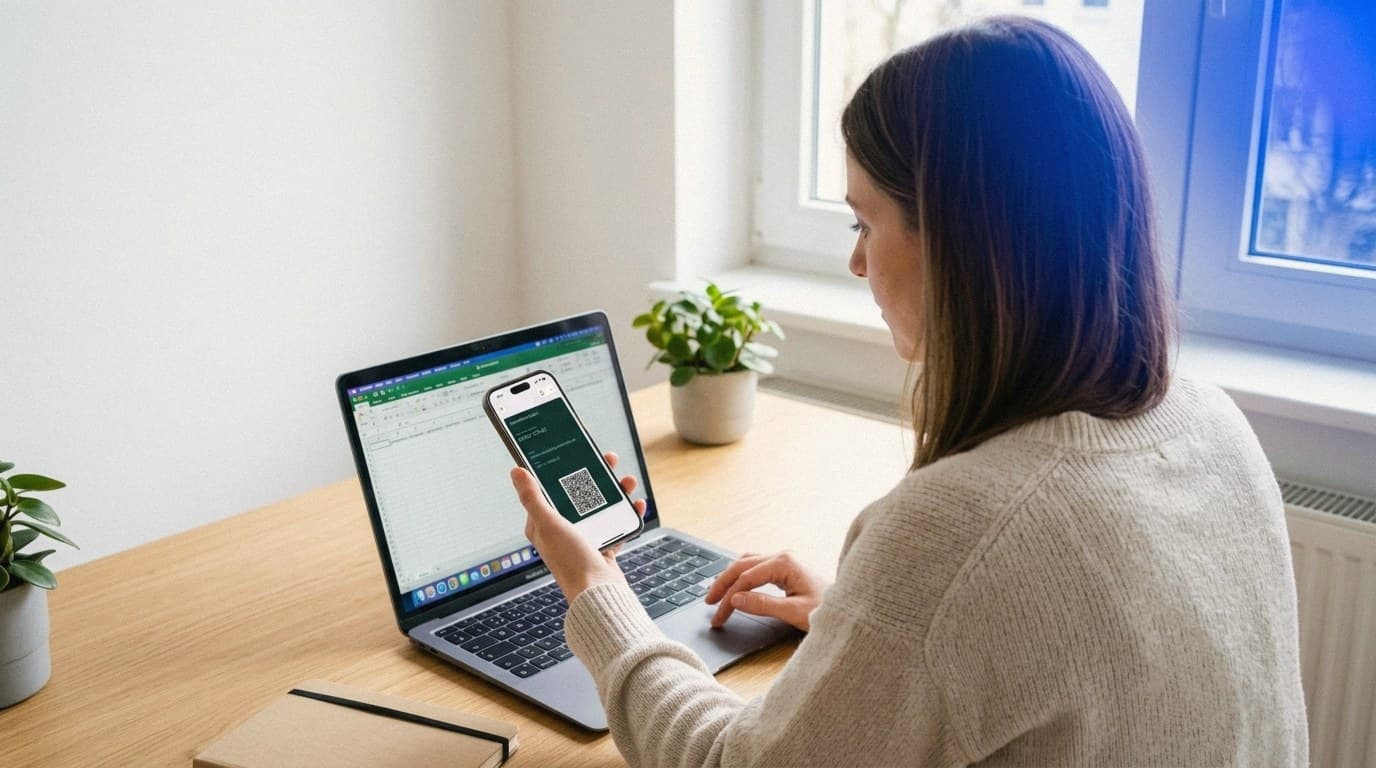
Create your digital business card in a browser, choose a card package, and buy once. Save it to Apple or Google Wallet and share your details by QR code.
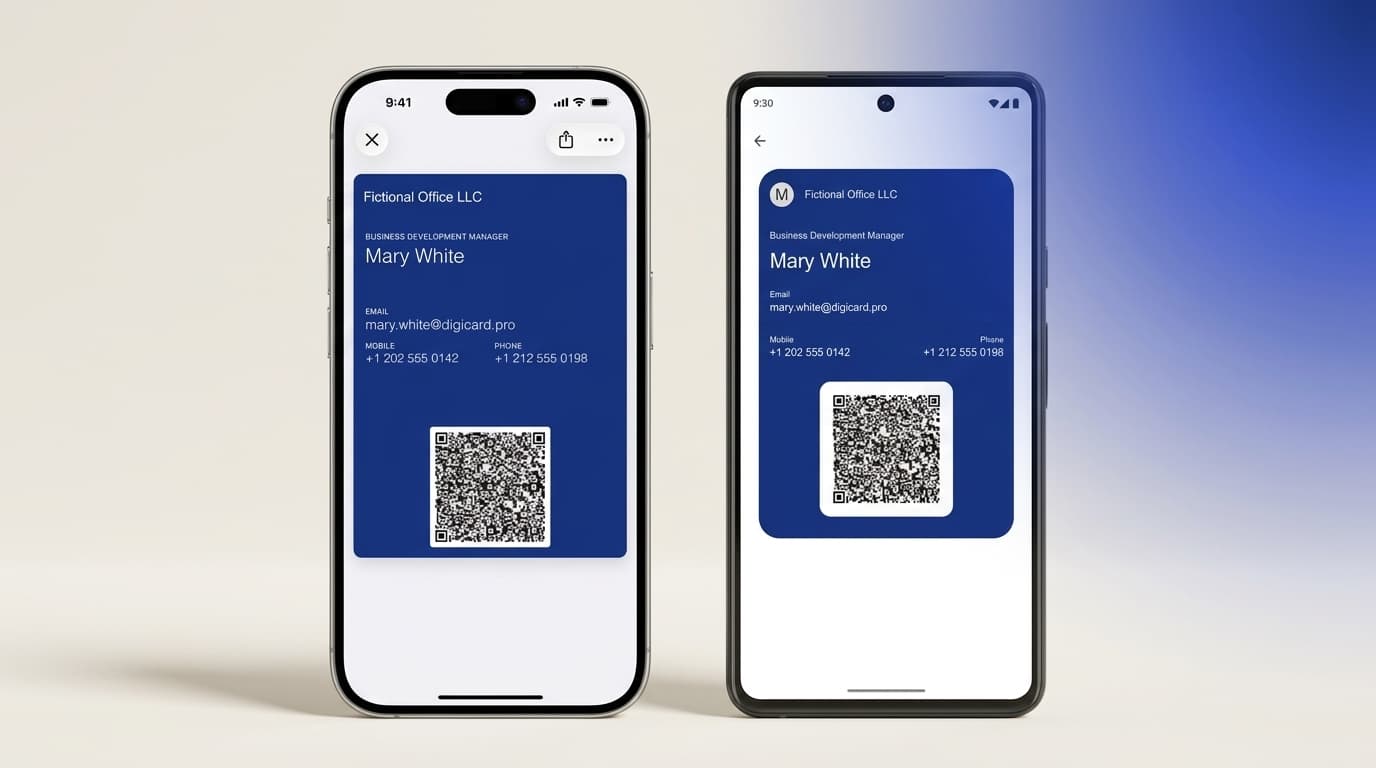
Your digital business card belongs in your phone's wallet. The same card works in Apple Wallet and Google Wallet, and a quick QR scan shares your details.

No business cards and the trade show is tomorrow? Explore quick options, from a digital card in your phone wallet to express printing.
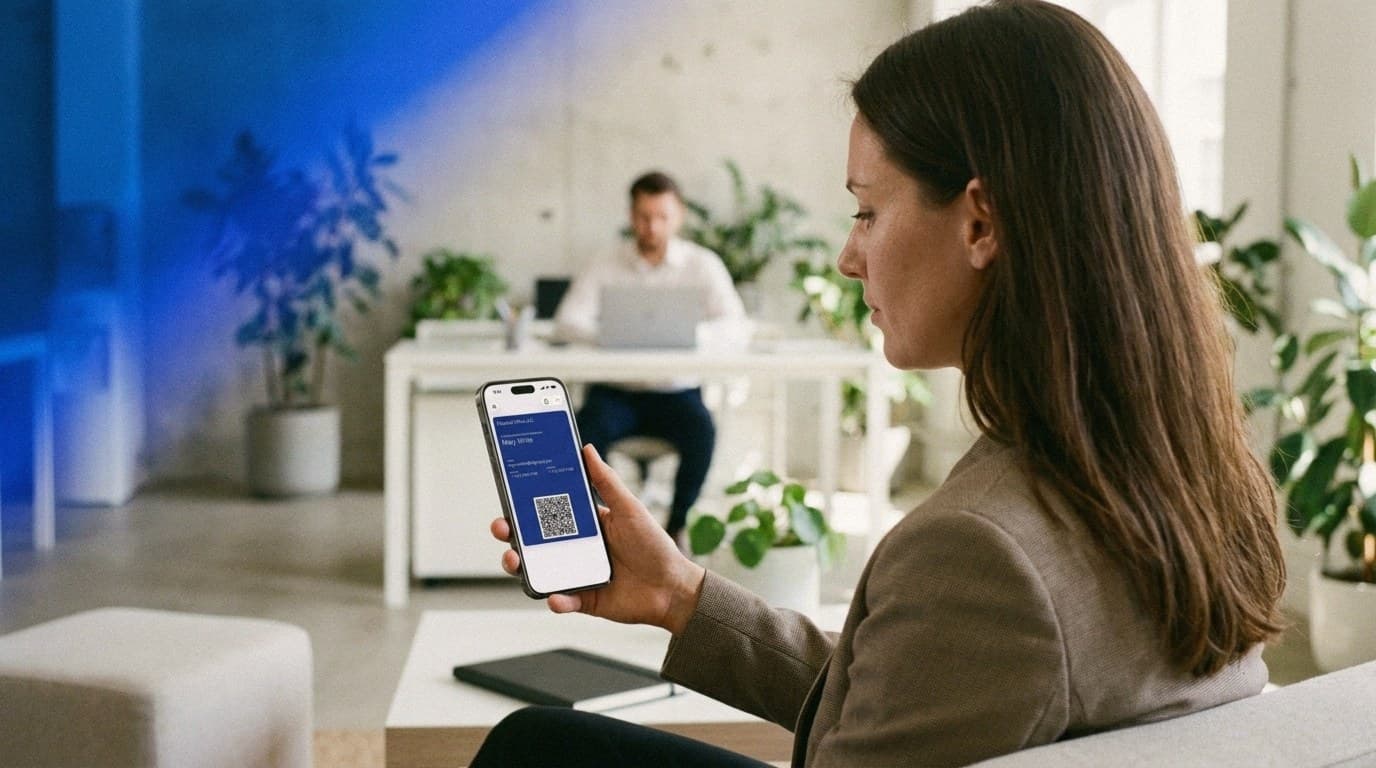
No separate business-card app, no paper. Keep your card in Apple Wallet or Google Wallet and share your details with a quick QR scan.
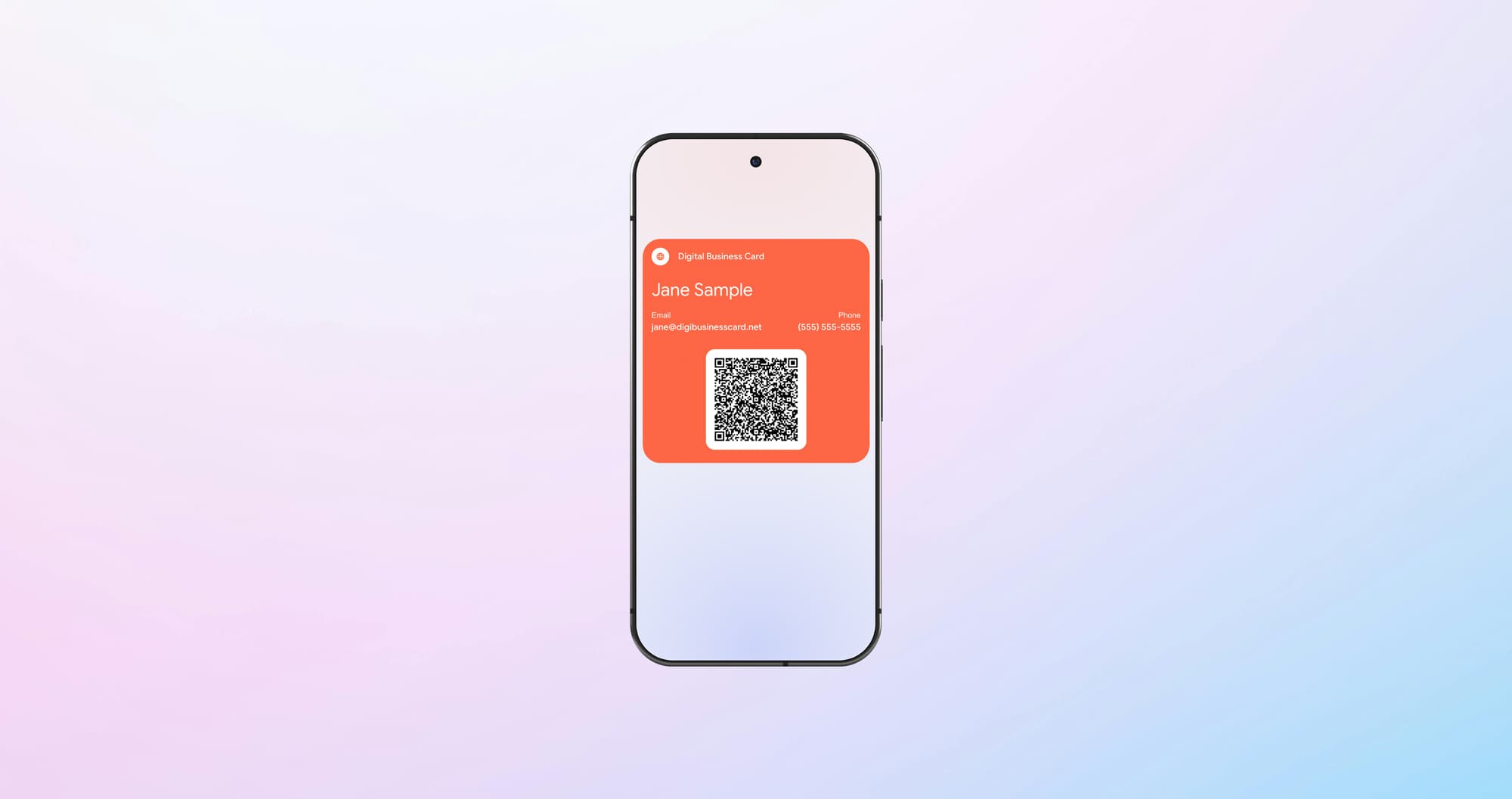
Your Android phone can replace the whole stack of paper cards. From creating it to sharing it smoothly: everything for effortless networking.
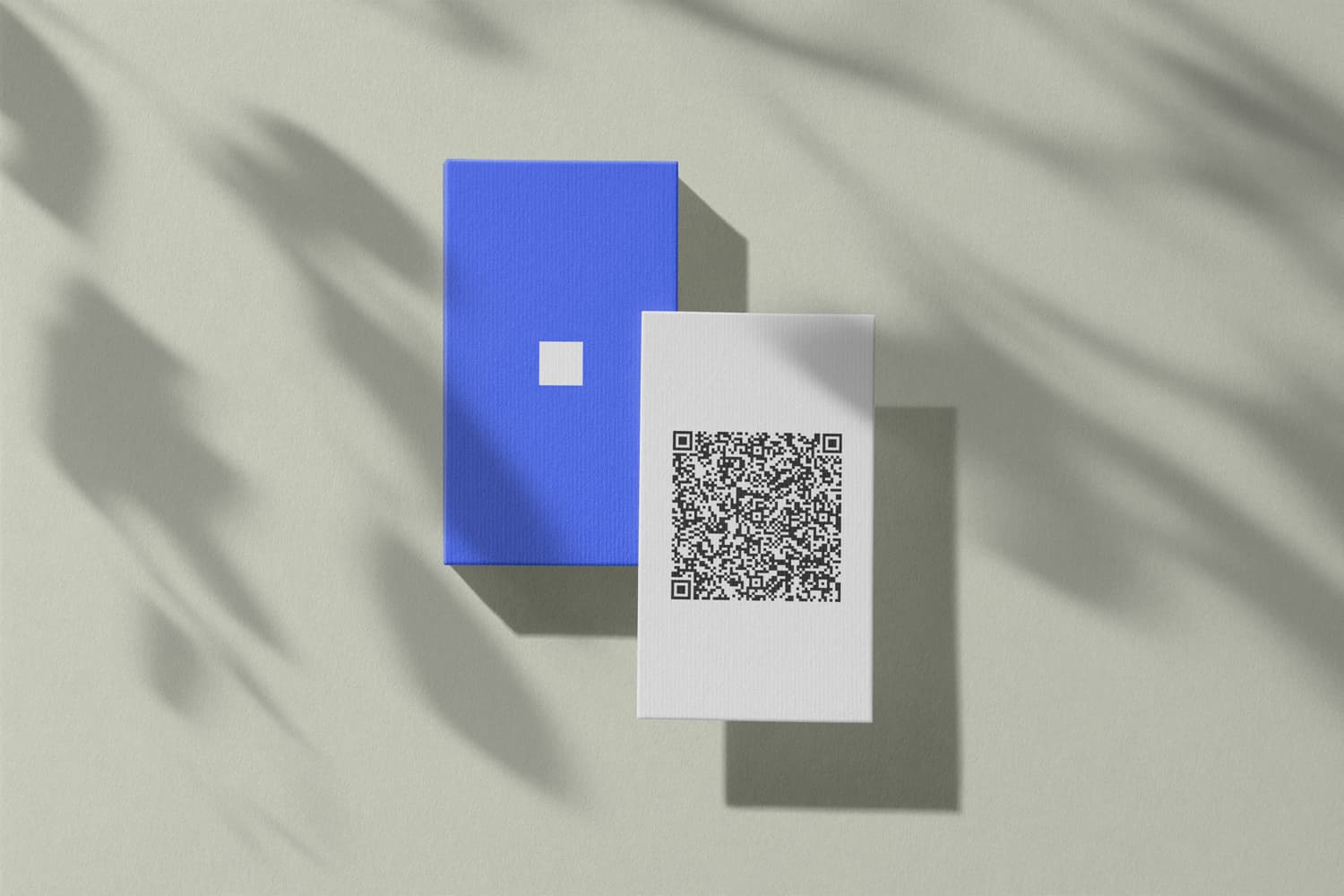
Create a free QR code business card in minutes, no account needed. The other person scans your code and chooses to save your contact details.

Share your contact details at showings and open houses with a digital business card in your Wallet. Compare the Basic, Plus, and Pro card variants.
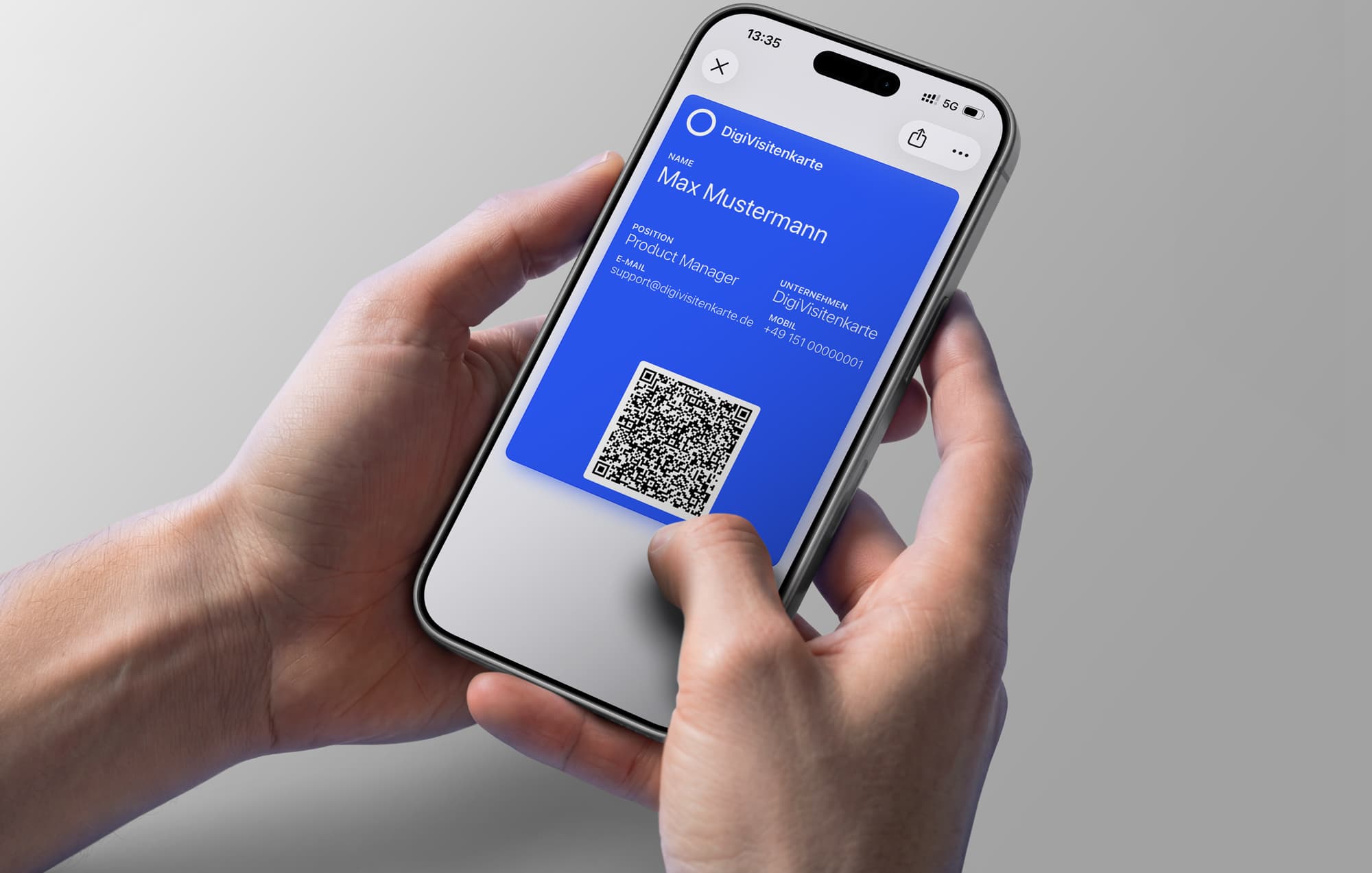
Learn how to create an Apple Wallet business card and share contact details quickly, professionally, and without a separate app.