
Last-Minute Business Cards: Ready for Any Event in Minutes
No business cards and the trade show is tomorrow? Here are the fastest ways out of the jam – the quickest takes minutes and skips the printer entirely.
The trade show is tomorrow and you're out of business cards – or the ones you have are out of date? Or the print file is still sitting on your laptop, and printing takes days? Don't worry: you have more options than you think. The fastest route doesn't run through a printer; it runs through your phone. You create a digital business card in a few minutes. You save it to your Apple or Google Wallet and share your details with a QR code – no printing, no waiting. This guide walks through your options for the last minute: the digital route, express printing, and the do-it-yourself printer at home.
Key Takeaways
- The fastest route to a last-minute business card is the digital one: created in minutes, saved in your Apple or Google Wallet, and shared with a QR code.
- Express printing at a copy shop or your own printer is possible, but it costs time and money – and once printed, the card can't be changed.
- Your digital card works offline too, which helps in a packed exhibition hall with weak signal.
Forgot your business cards, or left it too late? Here's the fastest fix
The fastest fix is a digital business card. You type in your details, and seconds later you share them with a QR code – no printing, no shipping, no waiting. You're ready even when there's barely any time left.

Picture the situation: you're packing for the show, you reach for a few business cards to slip into your bag, and you find you're out. Or you meant to get them printed, but the artwork never quite got finished. A traditional printer often needs several business days to ship. This is exactly where a digital business card shines: it's ready the moment you've entered your details.
It also solves a second problem. Paper cards get left at home, run out, or go out of date. Your digital card, by contrast, is always on your phone and ready when you need it. For how the whole thing works, see our guide to the digital business card.
How do I create a digital business card in minutes?
Three steps: enter your details, create the card, save it to your Apple or Google Wallet. That's all it takes. You need no account and no app – a browser on your phone or laptop is enough. In practice, you're ready in under five minutes.
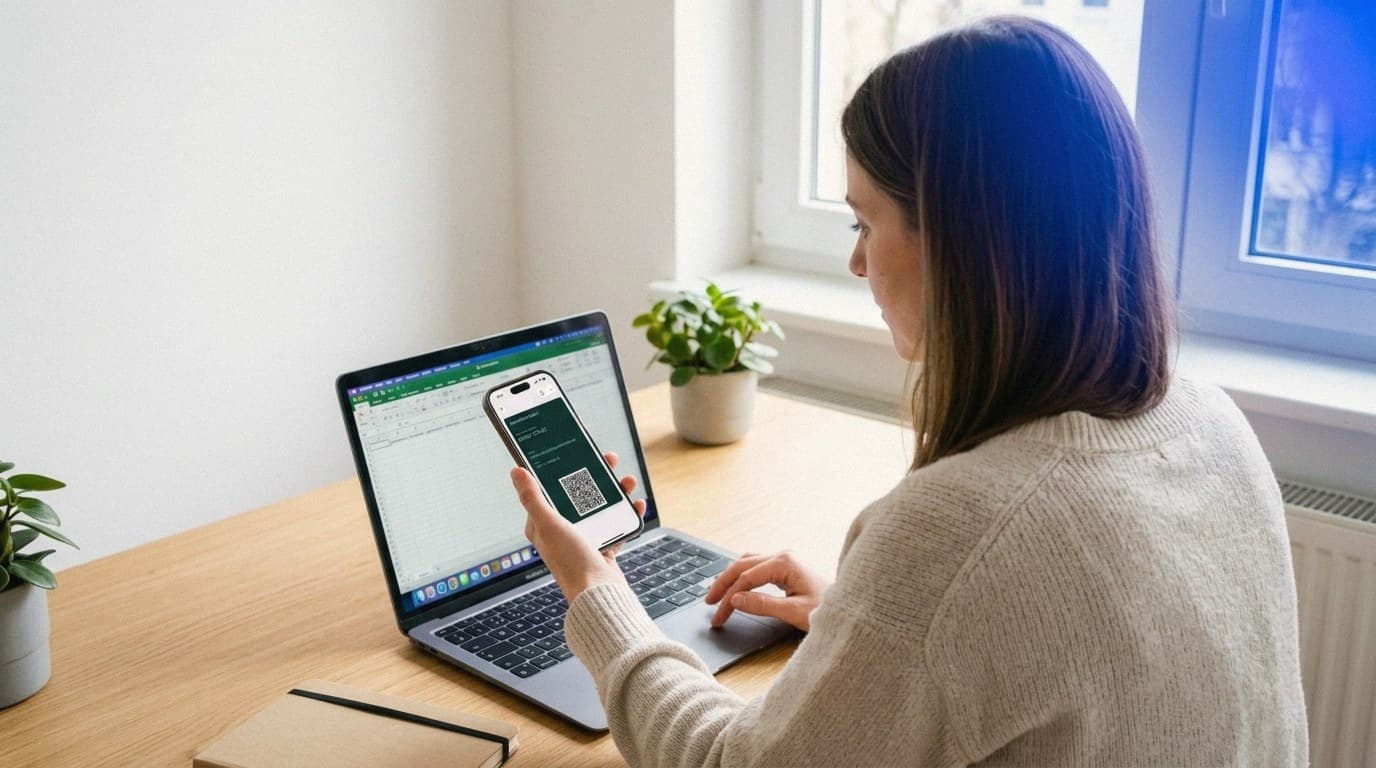
Here's how:
-
Enter your details. Open the DigiCard Pro generator and add your name, company, role, phone number, and email. My tip from experience: keep it short, and add at most one web link, usually your LinkedIn profile or your website.
-
Create the card. One click, and your digital business card is ready. You see a preview with your QR code right away.
-
Save it to Wallet. Save the card to your Apple or Google Wallet. From then on it's ready anytime, anywhere.
You get to choose between two variants. The fixed card is frozen once created, much like a printed card, so it works well as a quick, one-time fix. You can change the Editable Card anytime; update your number, for example, and the pass refreshes automatically in your Apple or Google Wallet. For the event emergency, the fixed card is plenty. The Editable Card, on the other hand, is the reliable long-term option.
How to have your card ready at the event in seconds
Save your card to Wallet, the digital wallet on your phone. Then you show your QR code in seconds, even offline. In a packed exhibition hall with weak signal that's worth a lot, because the QR code carries your details and needs no network.
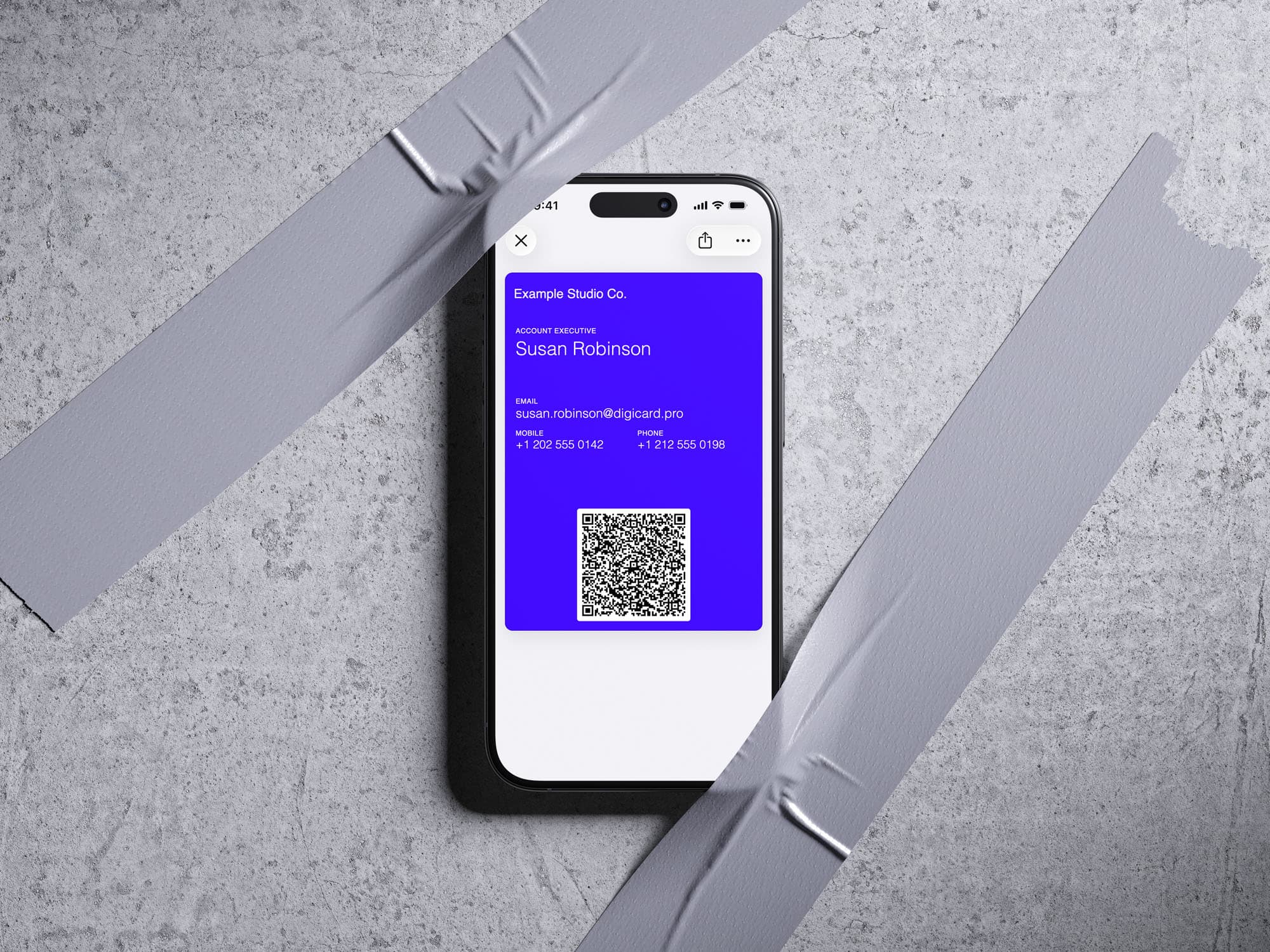
What good is the nicest card if you have to dig for it mid-conversation? At the key moment, you open the Wallet pass, your QR code appears, and the other person scans it with their normal camera. No typing, no extra app. Your details land straight in their address book.
On iPhone, you open the link to your card and save it to Apple Wallet. Our post Apple Wallet business card walks through it step by step. On Android it's just as simple through Google Wallet. With DigiCard Pro, both passes are included anyway, so you can't pick the wrong one.
Run through the steps once or twice beforehand. When you casually pull out your phone at the event and show the QR code in seconds, you come across as sharp and well organized.
What other fast printing options are there?
If it absolutely has to be paper, three fast routes remain: express printing at a local copy shop, an online printer with express shipping, or your own printer at home. All three work, but they cost more time or money than the digital card – and the printed card goes out of date the moment a detail changes.
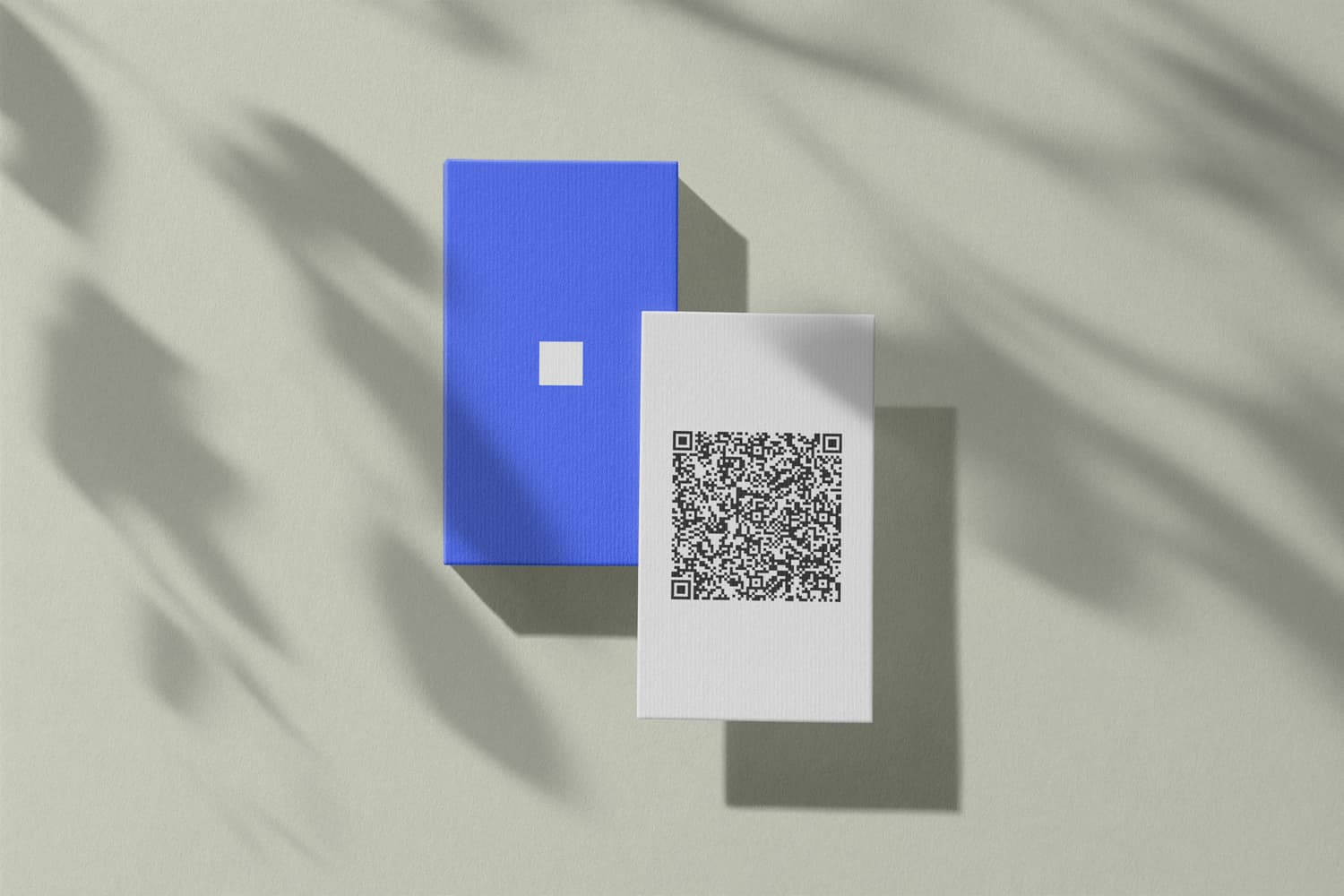
These three ways have proven themselves:
-
Copy shop or local printer: Many print the same day. Call ahead, bring your print file as a PDF, and budget time for the trip. Selection and paper quality are often limited.
-
Online printer with express: Fast shipping sounds tempting, but it usually takes one or two business days. For an event the next morning, that's often already too late.
-
Your own printer: With perforated business-card stock from an office store, you're done in about an hour. Honestly, though, the result quickly looks homemade.
A sensible tip: if you're printing anyway, add a QR code to the layout. That way the other person can save your details with a scan instead of typing them out. You can make a free one and read more in Free QR code business card. For a real last-minute case, though, none of these routes is as fast as the digital card.
Digital or quick print: what's worth it at the last minute?
On speed, the digital business card wins clearly. It's ready in a few minutes and shares without the other person installing anything. Express printing only pays off if, for some specific reason, you absolutely need a card made of paper in hand.
The table below puts the three last-minute routes side by side.
| Criterion | Digital business card | Express print (copy shop/online) | Your own printer |
|---|---|---|---|
| Time to ready | A few minutes | Hours to several days | About an hour |
| Cost | One-time, no subscription | Express surcharge | Paper and ink |
| Updatable | Yes (with the Editable Card) | No, reprint | No, reprint |
| Look | Professional, consistent | Good, depends on the shop | Often looks homemade |
| Always with you | Yes, on your phone | Can run out | Can run out |
The table makes the difference clear. A printed card shows the state from the day it was printed. Change a number after that, and you print again. Your digital card updates instead, and it's always with you.
Already on the go with just your phone? That works too
Yes. Even if you're already at the venue, you create your digital business card right on your phone and share it on the spot. These moments are no exception: in 2024, some 32,000 exhibitions worldwide drew 318 million visitors (UFI, 2025).
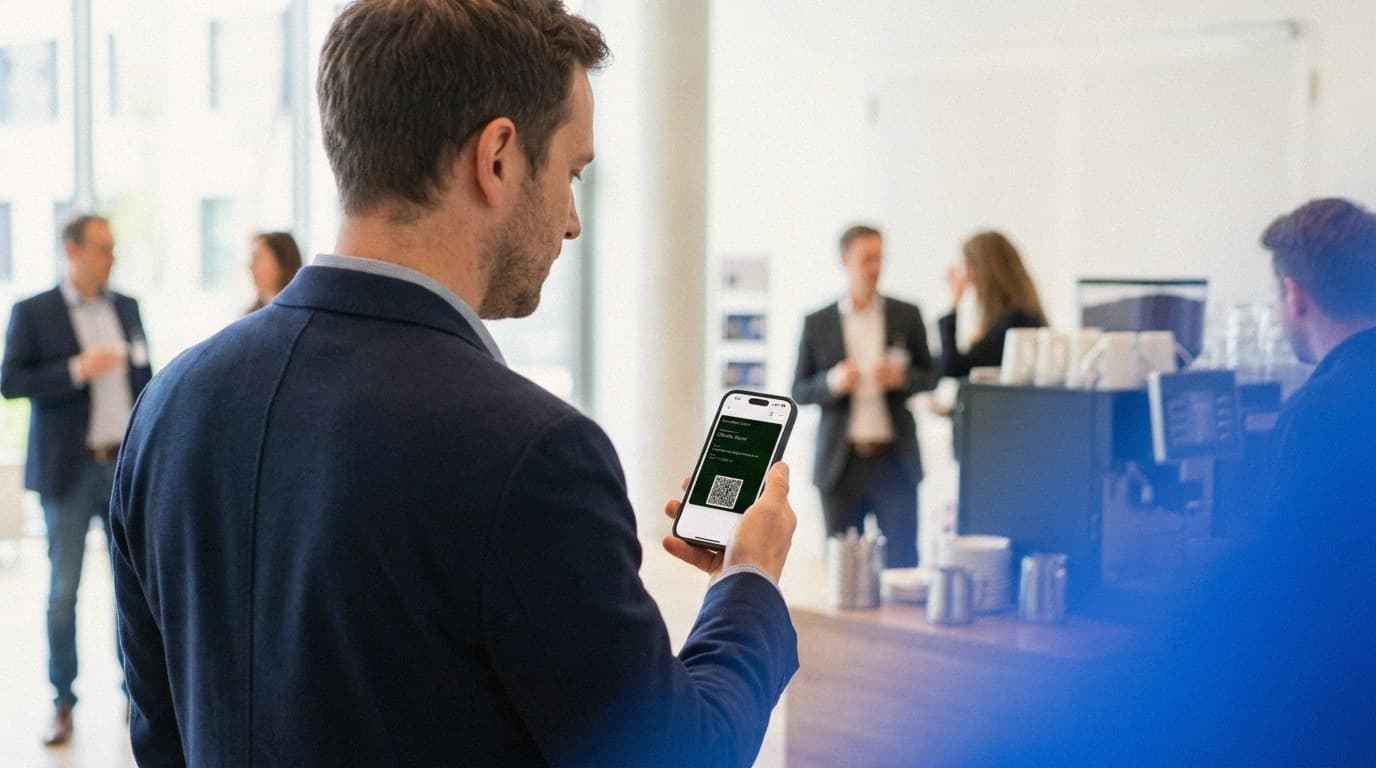
The flow is the same as at your desk, just mobile: open the generator in a browser, type in your details, create the card, save it to your Apple or Google Wallet. It works on the train to the event just as well as in the coffee break between talks. Need steps specifically for iPhone? Our post QR code business card on iPhone has you covered.
And here's the decisive advantage: you never miss a contact just because your cards ran out. Anyone who networks as a freelancer or solo professional knows the value of every good conversation. Your card should never be the bottleneck.
Frequently Asked Questions
Thinking about sorting out business cards at short notice but still have questions? Here are the points that come up most in practice.
Can I make a business card without printing?
Yes. A digital business card needs no printing at all. You enter your details in the generator, save the card to your Apple or Google Wallet, and share it with a QR code. The other person scans it with their camera, and your details land in their address book – no paper involved.
How fast is a digital business card really ready?
In practice, under five minutes. You type in your name, company, and contact details, create the card with one click, and save it to your Apple or Google Wallet. It's ready immediately, even offline. That's why it works when the event is tomorrow.
What does a last-minute business card cost?
The DigiCard Pro card is a one-time purchase, with no subscription. A vCard QR code for a printed card is free to make. Express printing at a copy shop or online printer usually costs a premium – and the faster you need it, the higher that premium climbs.
Does the digital card work at the venue without internet?
It depends on the card. Our classic vCard QR code works offline without a problem: the code carries your details directly and routes through no outside server. So you open the Wallet pass, show the QR code, and the other person scans it – signal or no signal.
Does the other person need an app to save my card?
No. Every modern smartphone has a QR scanner built into the camera app. Your contact opens the camera, points it at the QR code, and the phone offers to save your details. No download, no hurdle – that's what makes the exchange so fast at an event.
Conclusion: With a digital card, you're never caught out again
You can skip the stress of scrambling for business cards at the last minute. The fastest fix is already in your pocket: your phone. You create a digital business card in minutes, save it to your Apple or Google Wallet, and share your details with a QR code – no printing, no waiting, offline too. Express printing stays an option if you absolutely need paper. For a real last-minute case, though, the digital card is hard to beat.
Set yours up now, and you're ready for the next event, however short the notice.