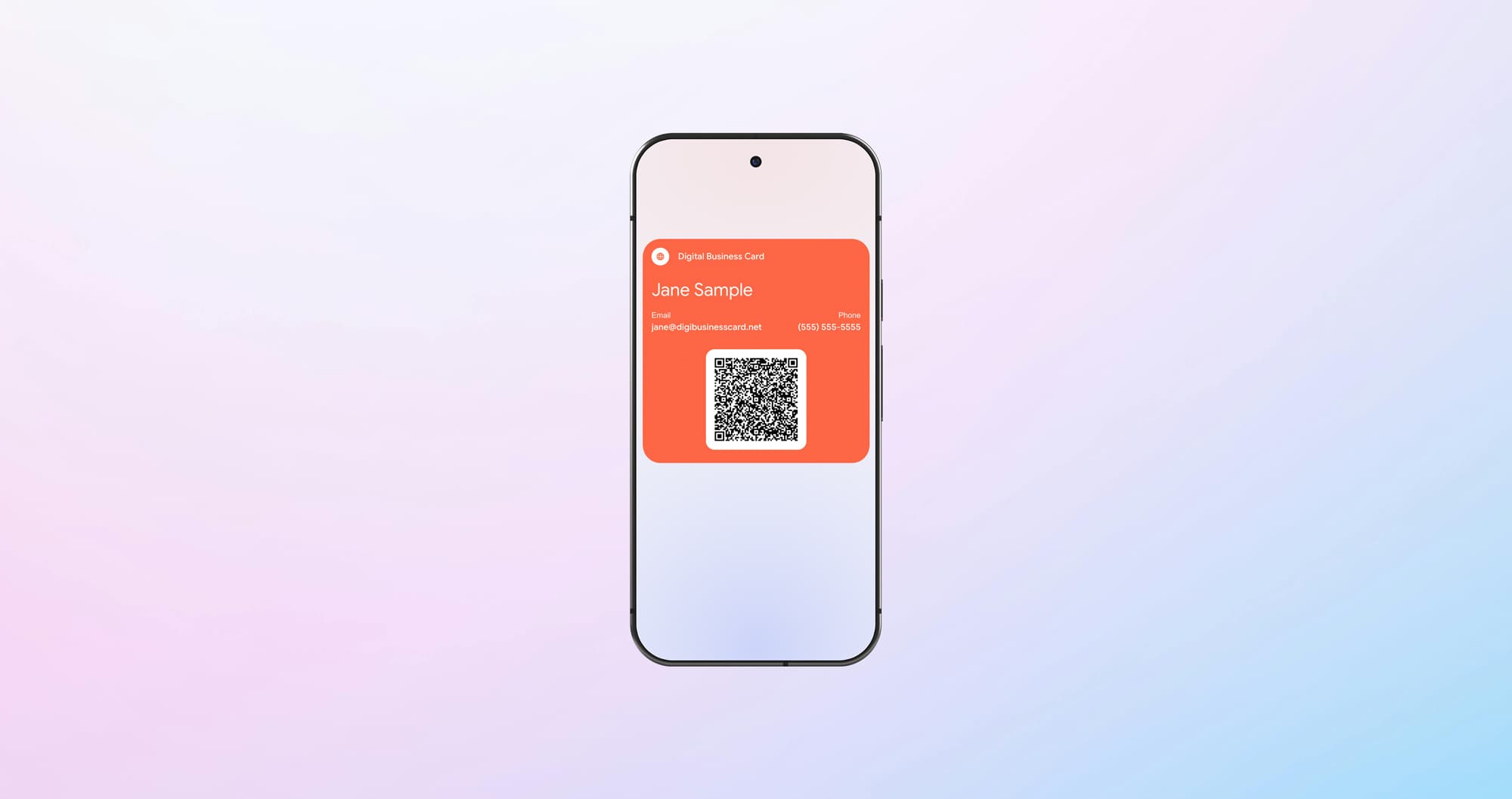
Digital Business Cards for Android: Simple, Fast, and Professional
Your Android phone can replace the whole stack of paper cards. From creating it to sharing it smoothly: everything for effortless networking.
A digital business card for your Android phone is one of the fastest ways to share contact details today. Instead of searching your bag for the last paper card, you share your details by QR code or straight from your Google Wallet. The result is fast and professional, and it saves everyone the tedious typing.
Key Takeaways
- Your card lives in Google Wallet. To share it, open the pass, the other person scans the QR code, done, with no app.
- A paper card is easy to lose or leave at home; your Android card is always in your pocket and lands error-free in the other person's contacts.
- Setup takes a few minutes. A fixed card needs no account; if you want to change your details later, choose the Editable Card.
Why your Android phone is the perfect digital business card
You carry your Android phone everywhere, and that's exactly what makes it the ideal business card. Paper rarely keeps up – about 88% of printed cards are tossed within a week (Adobe, 2016) – while a digital card stays at hand and lands in the other person's address book without errors.
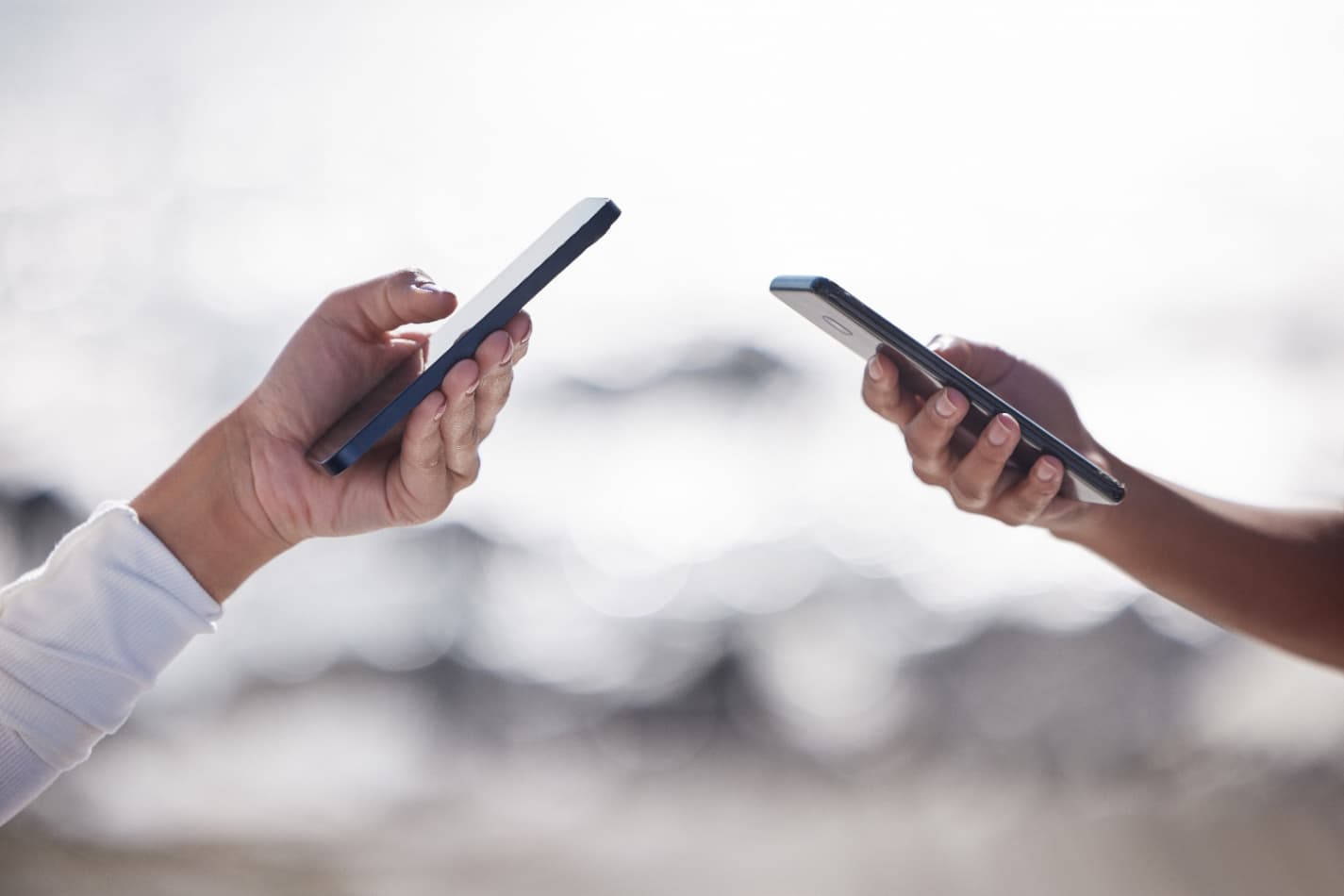
In business, the small moments matter. Whether you're at a conference, a client meeting, or in an unexpected conversation, exchanging contact details should be simple and reliable. This is where your Android phone becomes a practical tool for modern networking.
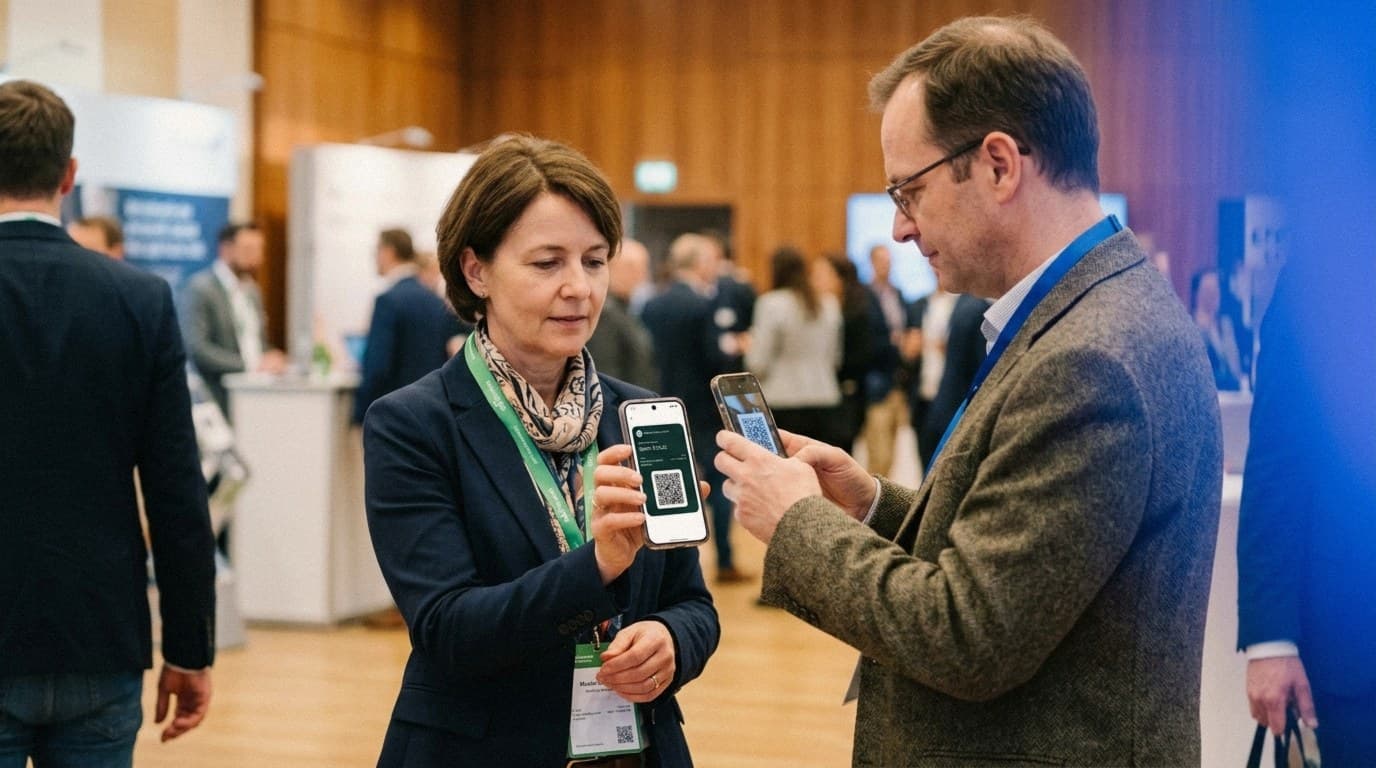
Imagine a typical situation at an event. Instead of handing over a paper card that gets lost or typed in wrong later, you take out your phone. With a solution like DigiCard Pro, you show a QR code. The other person scans it, and your details land in their address book in seconds. No fuss, no awkward pause.
The main networking benefits
This simple process has advantages that go well beyond convenience:
-
Efficiency: Sharing takes only a few seconds. Manual typing and its errors are gone.
-
Professionalism: You come across as modern and organized. That sticks, and it works as a natural icebreaker.
-
Sustainability: Every card shared digitally saves paper. A small step, but an easy one to take consistently.
-
Availability: As long as you have your phone, you have your business card. You can't run out at the worst moment.
Simplicity matters most
One of the biggest strengths of a digital business card on Android is compatibility. You don't need special hardware, and the other person doesn't need an app. Almost every modern smartphone scans QR codes with the built-in camera, so it works instantly for everyone. For the bigger picture, see the guide to what a digital business card really is.
DigiCard Pro is built around that idea: you create your card once as a QR code and Google Wallet pass, and that's it. No complicated accounts, no CRM setup. You get a simple, effective tool and keep full control.
The market for digital business cards is growing fast. Estimates put it at roughly 215 million US dollars in 2025, rising to about 680 million by 2035 (Research Nester). Android, with over three billion active devices worldwide, is the largest base for it.
DigiCard Pro: simple by design for Android users
In a world where almost every app asks for a subscription, simple tools are refreshing. DigiCard Pro is built for Android users who value efficiency and want to keep control of their details.
The idea is focused on the essentials: you enter your contact information once and receive a finished QR code with a matching Google Wallet pass. No required account, no registration, no recurring costs.
What DigiCard Pro deliberately is not
It helps to be clear about what DigiCard Pro is not trying to be. It's not an overloaded networking platform.
-
No analytics or tracking: The focus is entirely on direct contact sharing.
-
No CRM integration: It's not a complex sales tool. It's your personal digital helper for everyday networking.
-
As simple as it needs to be: With a fixed card, your details are locked in after creation, which keeps the process refreshingly uncomplicated. If you want more flexibility, the Editable Card lets you update your details and design anytime.
That focus is what makes a digital business card for Android so dependable. Unsaved form entries are held in your browser. Once you save a card, its data and Wallet passes are processed and stored on the server. Scanning the direct vCard QR code still works offline and is not tracked.
A typical real-world scenario
Suppose you work in sales and meet a promising contact in a cafe. Instead of digging for a folded paper card, you open your business card in Google Wallet. With a couple of taps the QR code is up, no searching through your gallery.
The other person scans it with their camera. Within seconds, your details, name, company, phone number, and email, are saved cleanly to their contacts. The whole thing takes maybe ten seconds, feels professional, and leaves more time for the actual conversation.
Comparing common ways to share contact details
There are many ways to exchange contact details, but they're not equally practical. This table shows where a digital business card is strongest.
| Feature | DigiCard Pro (QR code & Google Wallet) | Paper business card | Manual entry |
|---|---|---|---|
| Speed | Very fast (about 10 seconds) | Medium (hand over card) | Slow and error-prone |
| Reliability | High, no typing errors | High, but physical | Low, high risk of mistakes |
| Cost | One-time and very low | Ongoing printing costs | Free, but time-consuming |
| Sustainability | Very environmentally friendly | Not environmentally friendly | Neutral |
| Impression | Modern and professional | Classic and traditional | Awkward and outdated |
The digital business card combines the best parts: fast, inexpensive, environmentally friendly, and it leaves a strong impression. Good technology doesn't have to be complicated. To go deeper, read the guide to a free QR code business card.
How to set up your digital business card on Android
Having a digital business card is one thing. Having it ready the moment you need it is what creates the professional impression. The good news: setup is straightforward and takes only a few minutes.
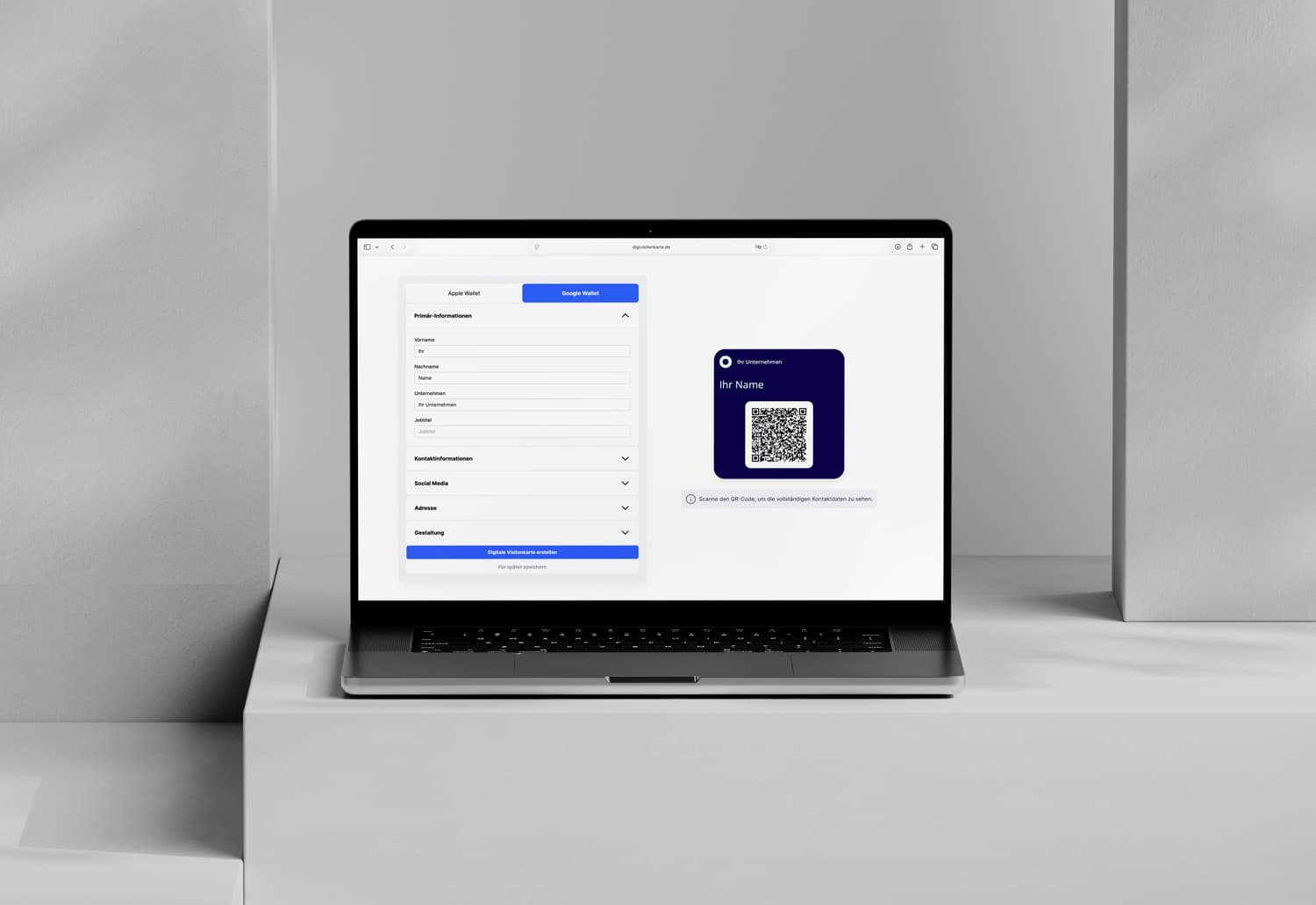
From entering your details to the finished card, everything is built for speed. You don't need technical expertise, and you won't fight through nested menus.
Step 1: Create your card and check your details
Everything begins in our easy-to-use card generator. You enter the information that should appear on your card: name, role, social profiles, and whatever else is relevant.
You have a choice between two variants. A fixed card locks your details in after creation, needs no account, and is the simplest option. If you'd rather adjust your details anytime, say after a new role, choose the Editable Card and update it later. With a fixed card, it's worth checking every field before you create it, since it can't be changed afterward.
Step 2: Save your digital business card in Google Wallet
On Android, Google Wallet is the best home for your business card. Once your card is ready, you tap the "Add to Google Wallet" link and it's saved. The QR code sits inside the pass, so you never have to search your gallery for an image.
From then on, your card is always at hand in the Wallet app and works offline too, ideal for trade fair halls with weak reception. To share it, open the pass, the other person scans the QR code, done. Just as simple as it is for Apple Wallet. Every card is generated for both, so the overview of how the card works across Apple and Google Wallet lays them side by side.
Step 3: Add your own card to your address book (optional)
Want your own card in your address book too, so you can send it quickly by WhatsApp or email? Scan your own QR code once with a second device and save the contact. That keeps your details backed up in two places. For more on QR code cards, see the guide to a free QR code business card.
Use smarter networking strategies

A digital business card on your Android phone is more than a convenient gadget. Used well, it becomes a natural conversation starter. Exchanging details turns from a routine task into a moment that helps you stand out.
The key is not to make the exchange silent. Instead of just holding out a QR code, frame it with a short sentence. A good introduction helps the other person remember you.
More than a pattern of pixels
Think of your digital business card as part of your personal brand. These conversation starters work well in practice:
-
The sustainability angle: "I've moved away from paper cards for environmental reasons. Just scan this code and you'll have my details directly and sustainably."
-
The efficiency angle: "Let's skip the typing and the mistakes. One quick scan, and my details are saved correctly on your phone."
-
The technology angle: "I use a digital card so it's easy to stay in touch. My details go straight where they belong."
The QR code itself has become a normal part of daily life, and that familiarity is what makes the exchange so smooth: everyone knows what to do.
The art of following up
The digital exchange is only the first step. The real value of networking appears afterward, when you maintain the new connection. Don't wait for days; follow up while the conversation is fresh.
Refer to something specific you discussed, so the other person remembers the context: "Hi Mr. Smith, it was great talking at the trade fair about [topic]. As promised, here's the link to ..." That personal touch turns a quick exchange into the start of a real relationship. For specific role descriptions and useful portfolio or booking links, see our card creation guide.
Avoid common mistakes and look confident
Switching to a digital business card makes a clear statement: you're modern and efficient. But as with any tool, how you use it matters. A few small slips can weaken the strong first impression, and a little preparation avoids them.
With a fixed card, the data entry is the key moment. Your details are locked into the card after creation, so a typo in the email address becomes a lasting problem. Take a minute and double-check every field. If you'd rather stay flexible from the start, choose the Editable Card and correct such details anytime yourself.
Everyday networking pitfalls
When things move fast, the same small problems tend to appear. These tips keep every exchange smooth:
-
The QR code is too small: Show it large enough. Zoom in so the other person's camera reads it without effort.
-
The phone is still locked: Unlock your phone before you offer it. From Google Wallet, your card opens in a couple of taps, with no detour through the gallery.
-
The screen is too dim: In bright trade fair halls, a dark display can block the scan. Turn the brightness up briefly.
Digital networking has gained real momentum in recent years, driven by how easy it is and the wish to cut paper. And after the scan? Continue the conversation. The digital business card for Android is a great icebreaker, but not the end of the talk. A smile and a relevant follow-up question feel confident.
Common questions about digital business cards on Android
Still have questions about using DigiCard Pro on your Android device? Here are the points that come up most often.
What happens if my contact details change?
It depends on the variant. A fixed card has your details locked in after creation, so you'd just create a new one. If you want to update anytime, choose the Editable Card and change your details and design as often as you like. The pass updates automatically in your Google Wallet.
Does the person I share my card with need a special app?
No. Almost every modern smartphone, Android or iPhone, scans the QR code directly with the built-in camera. One quick scan, and the phone offers to save your contact. No extra software, no installation, no hurdle for either side.
Can I save the card in Google Wallet?
Yes. You get an "Add to Google Wallet" link and save your card with one tap. The QR code sits inside the pass, so it's always at hand on your Android phone, works offline, and you never have to search your gallery for an image.
Does the card also work with an iPhone?
Yes. The QR code and contact file use standard formats that iPhones read just like Android devices. The operating system doesn't matter: you can share your digital business card with anyone who has a modern smartphone. More on that in the guide to the QR code business card on iPhone.
Ready to modernize your networking? Create your own simple digital business card with DigiCard Pro and leave a professional, lasting impression. Start directly with the DigiCard Pro generator.