Best Digital Business Card Without an App (2026 Guide)
No app, no paper. Keep your business card in your Apple or Google Wallet and share your details with one quick QR scan.
You don't need an app to use a digital business card, and neither does the person you hand it to. Instead of downloading and maintaining yet another app, you keep your card in the Apple or Google Wallet that's already on your phone, and you share your details with a quick QR scan. This guide covers what it is, how to create it, how sharing works, and how it stacks up against app-based tools and plain paper.
Key Takeaways
- A digital business card without an app is a pass in your Apple or Google Wallet. The other person scans its QR code to save your details, and nobody has to install anything.
- You create it in a web browser in a few minutes. The fixed card needs no account; choose the Editable Card if you want to update it later.
- The QR code holds your contact details directly, so one scan works offline and drops your details straight into the other person's address book.
- Paper cards rarely last the week; a scan lands your details straight in the other person's address book – no app for either of you.
What is a digital business card without an app?
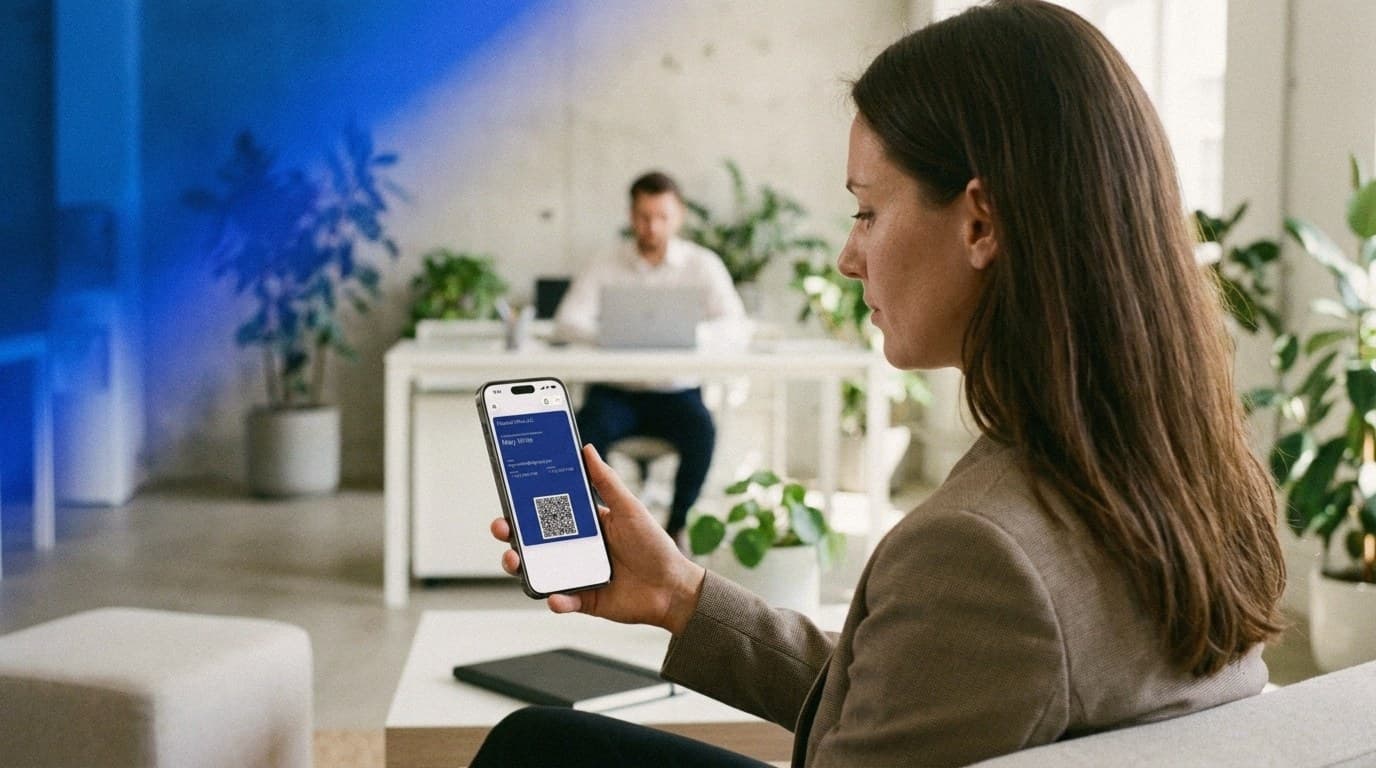
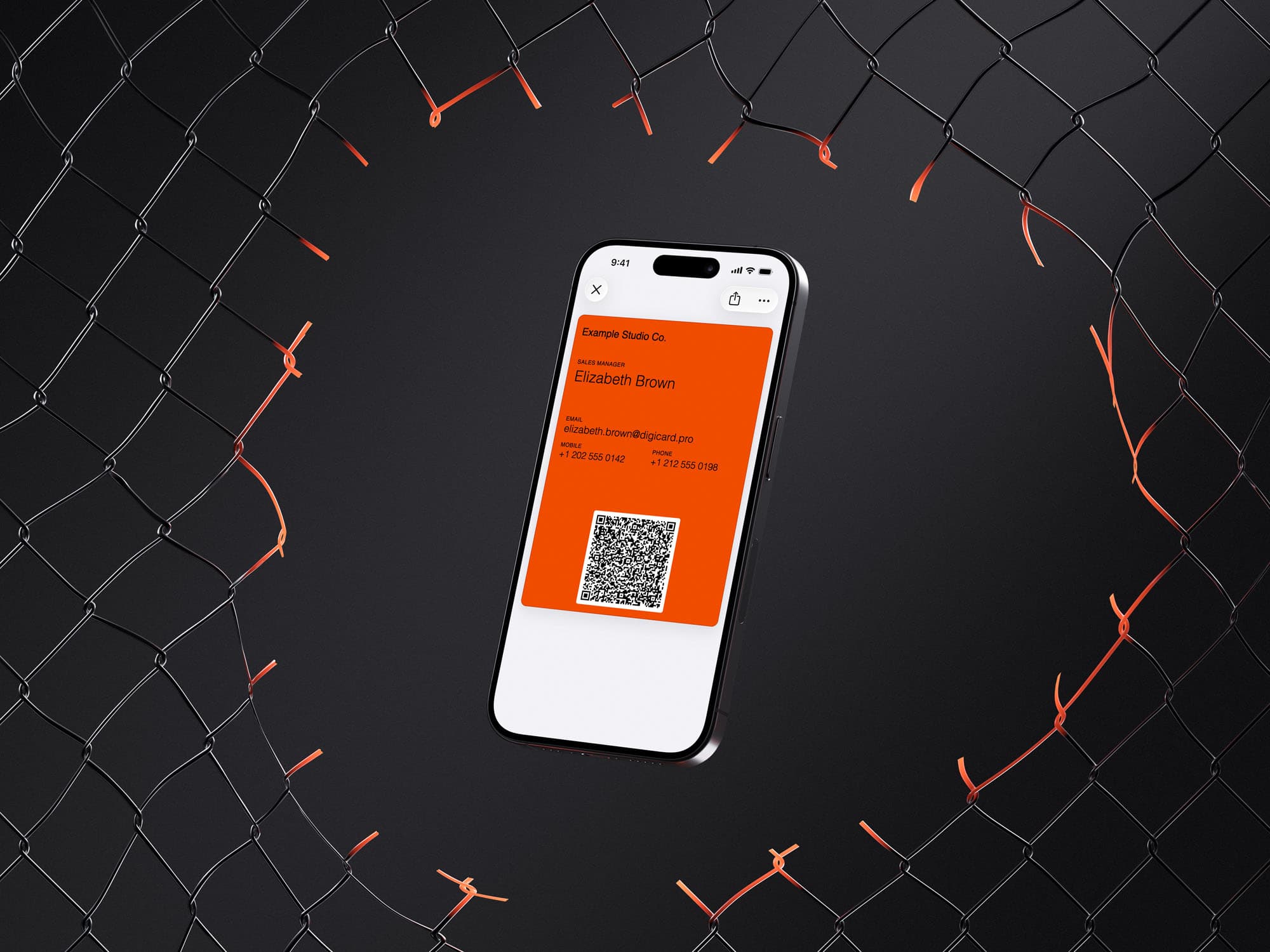
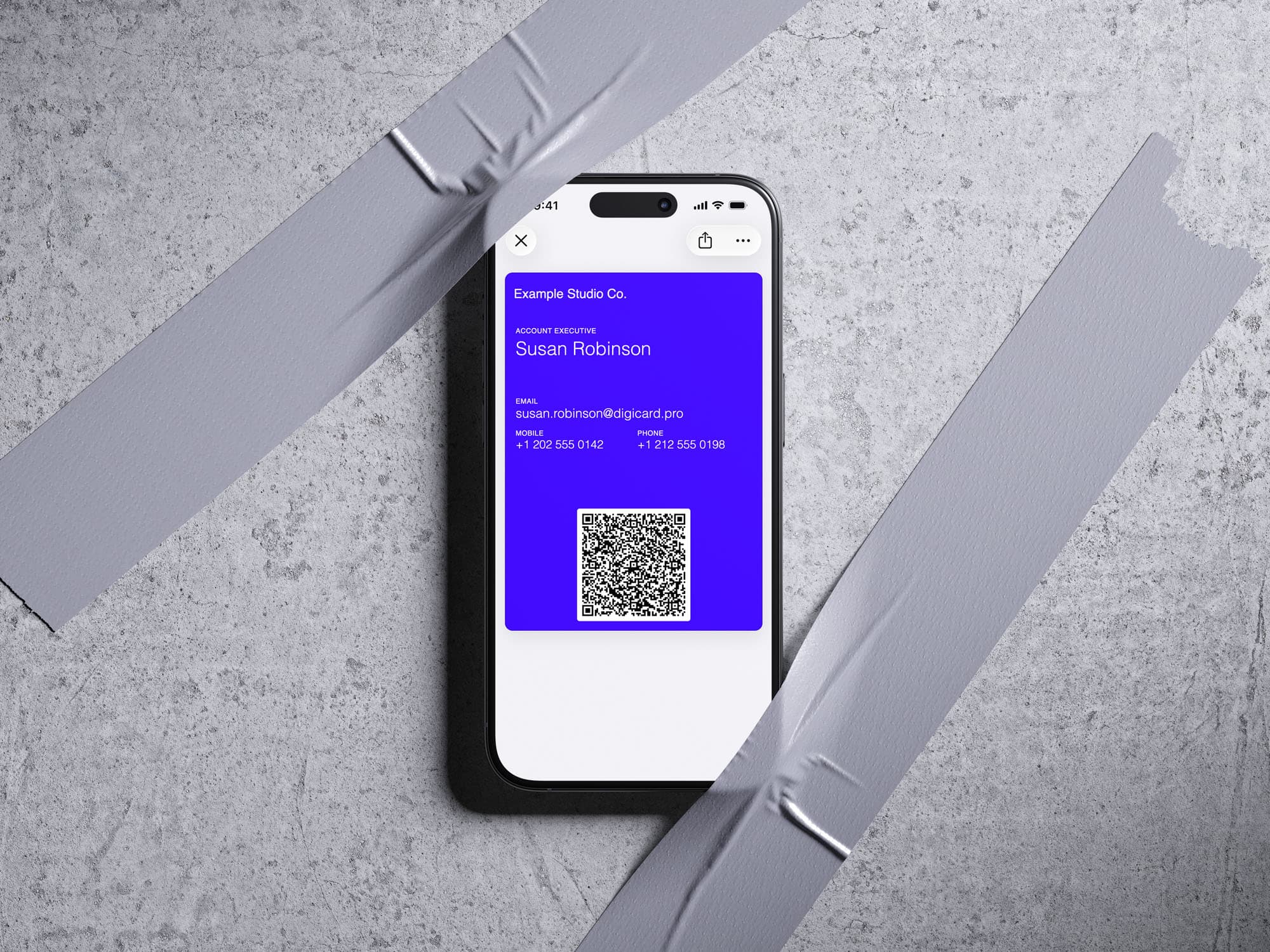
A digital business card without an app is a contact card, saved in your phone's Apple or Google Wallet, that shares your contact details through a QR code. It isn't a program you install. It's a pass, much like a boarding pass or an event ticket. You open the pass, the other person scans the QR code, and your details save to their phone.

The reason this works is that the hard part is already solved. Apple Wallet ships on every iPhone and Google Wallet on Android, and people open them constantly for boarding passes, tickets, and payments. In 2025, about 4.5 billion people, or 54.9% of the world, used a digital wallet (Capital One Shopping, 2025). Adding a business card to that same wallet asks nothing new of anyone.
Interest is climbing, too. The digital business card market is projected to grow from roughly $215 million in 2025 to about $680 million by 2035 (Research Nester, 2025). The move away from paper is steady, not a passing trend, and the wallet is where it's landing.
Why doesn't anyone need an app to receive your card?
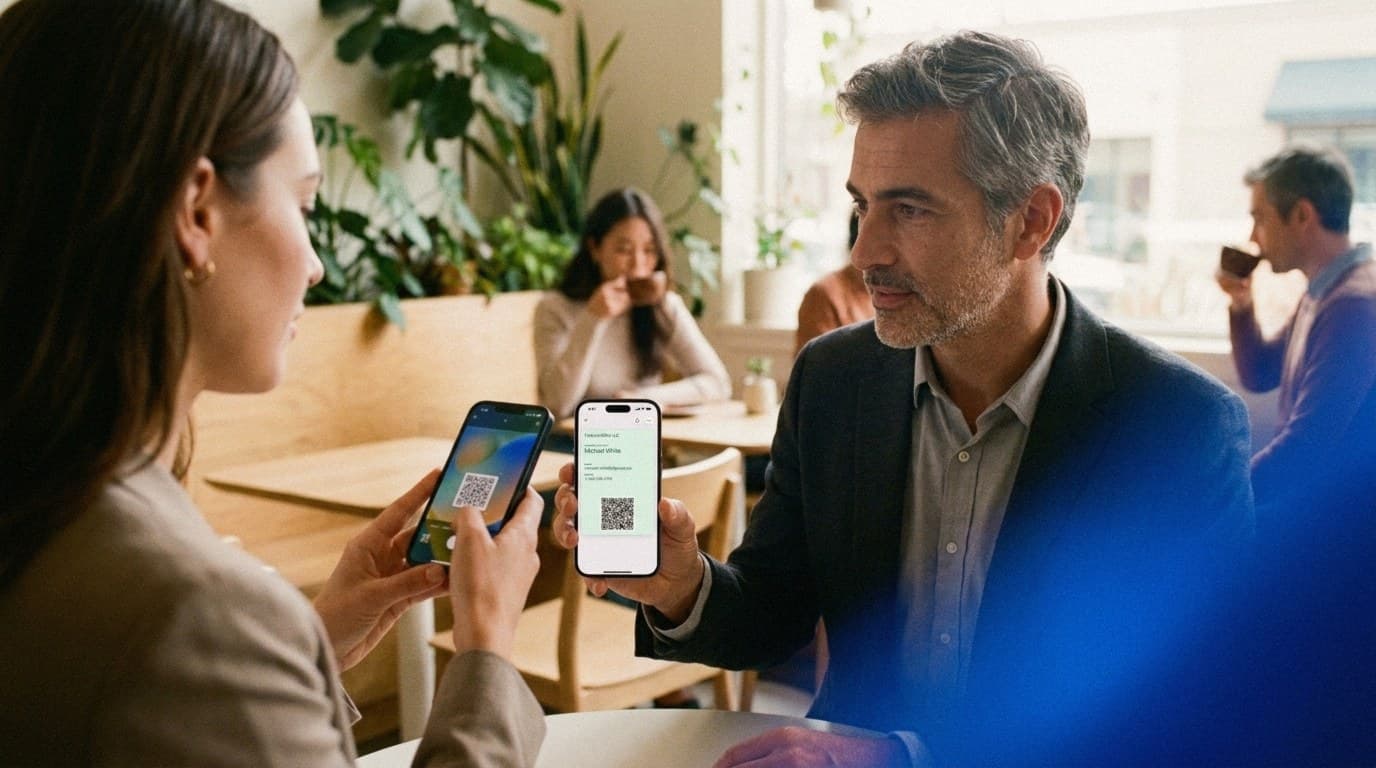
Because the QR code on your card is read by the phone's built-in camera. On a modern iPhone or Android phone, the other person points the camera at the code, and a prompt appears to save your details. There's no separate scanner app, no store download, and no account on the receiving end.
It's worth underlining the receiving side, because it's the part people worry about. Your contact installs no scanner app and signs up for nothing. QR scanning is built into the camera now, with mobile QR-scanner use in the United States alone projected to pass 100 million people (Statista, 2025). This is true with most digital cards, too: receiving your details is the easy side of the exchange.
The real difference between your options shows up on your side, not your contact's, which is what the next section gets into. When I show my card at a busy booth, there's no extra step for either of us. The camera catches the code, the save prompt appears, and the conversation keeps going.
How do you create one without downloading anything?
You create it in a web browser, not an app. Open the generator, type your details into a short form, preview the card, and add it to your Wallet. The whole thing takes a few minutes, and the fixed card doesn't ask you to register an account.
The path is deliberately short:
-
Open the DigiCard Pro generator in any browser, on a laptop or a phone.
-
Fill in the details you want to share and watch the live preview update as you type.
-
Add the finished pass to your Apple or Google Wallet. Both passes are generated, so it works whichever phone you carry.
A quick word on what belongs on the card: less is more. A card crowded with five ways to reach you is harder to act on than one with a single clear path. Focus on your name, your role and company, one email, and one phone number.
Tip: Pick one primary email and one phone number. The goal is a card someone can act on in two seconds, not a directory of every channel you own.
How do you share your details, and why does one scan beat a tap?
You share your details by opening the Wallet pass so the QR code is on screen, then letting the other person scan it with their camera. Your details save straight to their address book, with no typing and no errors. The QR lives inside the pass itself, so there's no separate image to dig out of your photos.
Two things make this dependable. First, it works offline. Your contact details are encoded directly in the QR code, so the scan never needs to reach a server. That matters in a crowded hall where the signal drops to nothing. Second, there's no tap technology to fail. Sharing is a plain camera scan, not an NFC tap, so it doesn't depend on the other phone supporting a particular chip.
Compare that with the old routine of patting your pockets for a card or asking, "Do you have one on you?" Opening a pass and offering a scan feels calm and current. You stay in control of the moment instead of hoping the other person held on to your card.
App-free vs app-based digital business cards: which is simpler?
Both put your card on a phone; the real difference is on your side, not your contact's. App-based tools ask you to download their app, usually create an account, and often pay a subscription to keep using it. A wallet card uses the Apple or Google Wallet already on your phone, so once it's made there's no app to keep and, for the fixed card, no account.
| What matters | Wallet card (no app) | App-based card |
|---|---|---|
| An app on your phone | None, it's in your wallet already | Usually their app, kept updated |
| Account / sign-up | Optional for central management | Often required |
| Cost model | One-time card, no subscription | Frequently a subscription |
| How your contact saves it | Scans the QR with the camera | Scans a QR or opens a link |
| Works offline | Yes, the details are in the QR code | Often needs a connection to load |
None of this makes app-based tools bad. They add dashboards, scan analytics, and team features that some people genuinely want. The trade is an extra app to keep on your phone and, usually, a recurring fee. If you just want to hand over your details fast and skip both, the wallet route is the shorter one.
Digital vs paper business cards
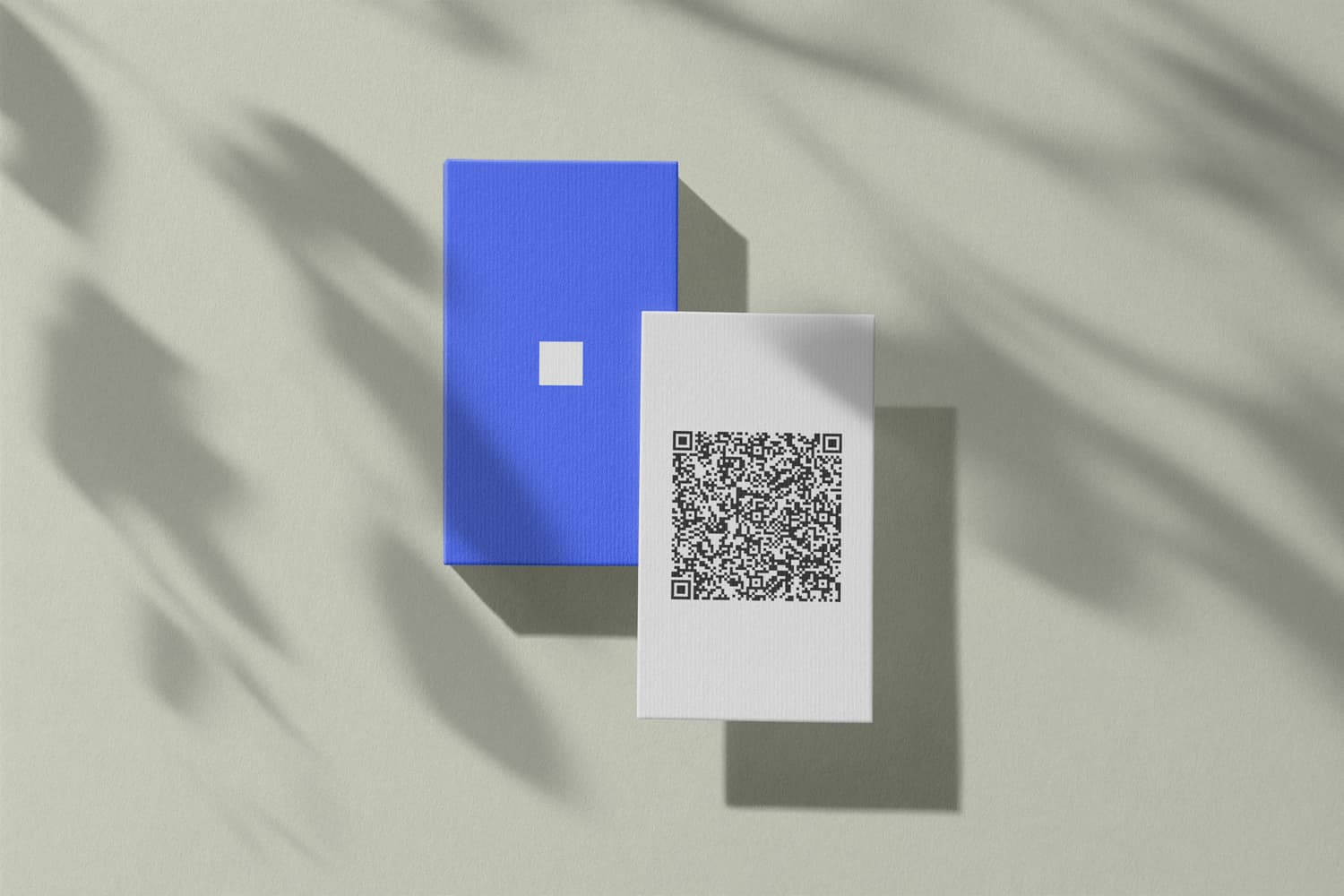
Paper still works the second you hand it over, but it rarely survives: about 88% of cards are thrown out within a week, and 63% get tossed simply because the person didn't need the service right then (Adobe, 2016). A wallet card avoids that, because your details land in the address book instead of on paper.
| Feature | Digital wallet card | Paper business card |
|---|---|---|
| Cost | One-time, then reuse it endlessly | Reprint costs for every change |
| Freshness | Recreate or edit in minutes | Outdated the moment a detail changes |
| Handling | Always on your phone | Forgotten, lost, or run out |
| Environment | No printing and no waste | Paper, ink, and shipping |
The freshness point is the practical one. Change your number, your title, or your company, and a box of printed cards turns into scrap overnight. A digital card has no leftover stock to bin. You either recreate it in a few minutes or, with the Editable Card, change the details once and let your card update in Wallet on its own.
Can you update a no-app card later?
Yes, if you pick the right variant. A fixed card is frozen after you create it, like a printed card. The Editable Card lets you change your details and design anytime, and the pass updates automatically in your Apple or Google Wallet. If the card contains an email address, request a time-limited link from the edit page to update it without an account.
Here's the part people ask about: the QR code stays static in both cases. Your details are encoded right in the code, so it works offline and isn't routed through a tracking server. When you edit the Editable Card, the system regenerates that static code and refreshes the existing pass in place. It doesn't switch you to a dynamic, trackable link.
So you keep the best of both. A card you can keep current, without giving up the offline, no-tracking simplicity that makes the no-app approach worth using. If you mostly carry an iPhone, our Apple Wallet business card guide walks through it; on Android, the Google Wallet walkthrough covers the same steps.
What a no-app card deliberately leaves out
A wallet business card is intentionally minimal, and a few of those limits are the point. Knowing them up front helps you set the right expectations and use the card with confidence.
-
No scan analytics: you won't see how many times your card was opened. Privacy and simplicity come first.
-
No required account: you can create and buy either variant without signing up. An account is optional for central management.
-
No NFC chip: sharing is a camera scan of the QR code, which works on far more phones than a tap.
-
No contact photo in the QR code: DigiCard Pro shares your contact details through its vCard QR code without a personal contact photo. You can still add your company logo to the Wallet pass.
None of these are accidental gaps. They're what keep the card fast, universal, and easy to trust the first time someone scans it.
Who is an app-free digital business card best for?
Anyone who meets people faster than paper can keep up. It fits sales reps, freelancers and solo professionals, real estate agents, and anyone working trade shows or events, where a quick scan beats fumbling for a paper card in a crowd.
A few examples from our own readers:
-
Freelancers and solo pros show their card to a prospect mid-conversation. See the freelancer examples in our card creation guide.
-
Real estate agents share their details at viewings and open houses, where a buyer won't install an app on the spot. See business cards for real estate agents.
-
Event networkers lean on the offline QR code when hall Wi-Fi buckles under the crowd.
If the idea is new to you, our overview of what a digital business card is is a good starting point, and our QR code business card guide explains the sharing side in more depth. On iPhone specifically, here's how a contact scans your card.
Frequently asked questions about no-app digital business cards
When people first consider a digital business card with no app, the same questions tend to come up. Here are the short, practical answers.
Do I really need no app at all?
Correct, none. You create the card in a normal web browser, and it saves into the Apple or Google Wallet that's already on your phone. To share your details, you show the QR code and the other person scans it with their camera. Nobody downloads anything.
Does the other person have to install something to scan it?
No. Modern iPhones and Android phones read QR codes with the built-in camera, so your contact just taps the prompt and saves your details. There's no app, no account, and no sign-up on their end, and that's true of most digital cards, not only ours.
Does a no-app card work without internet?
Yes. Your contact details are encoded directly in the QR code, not stored on a server the scan has to reach. So the exchange still works in a packed conference hall with no signal. There's also no redirect link and no scan tracking involved.
Is a digital business card without an app free?
The card is a one-time purchase, not a subscription, so there's nothing recurring to cancel. You can create and buy either variant without an account. An Editable Card with an email address can also be updated later through a time-limited email link.
Can I change my details after I create the card?
It depends on the variant. A fixed card is frozen once created, like a printed card, so if a detail changes you make a new one in minutes. Prefer to edit anytime? Choose the Editable Card and update it whenever needed. If it contains an email address, you can request a time-limited link from the edit page. The pass then refreshes automatically in Wallet.
Is this the same as an NFC business card?
No. There's no chip and nothing to tap. Sharing happens through the QR code on your Wallet pass, which any phone camera can read. That keeps it universal, because it doesn't depend on the other phone supporting a particular tap technology.
The simplest card is the one nobody has to install
A digital business card without an app isn't a stripped-down version of the real thing. For most people, it's the version that simply works everywhere.
-
No app or account is required to create and buy either card variant.
-
The QR code holds your details directly, so one scan saves them to the address book, even offline.
-
Pick the fixed card to set and forget, or the Editable Card to keep it current.
-
Nothing recurring to manage, and nothing to ask of the person you just met.
Ready to try it? Create your card in the DigiCard Pro generator and share your details with your next scan.