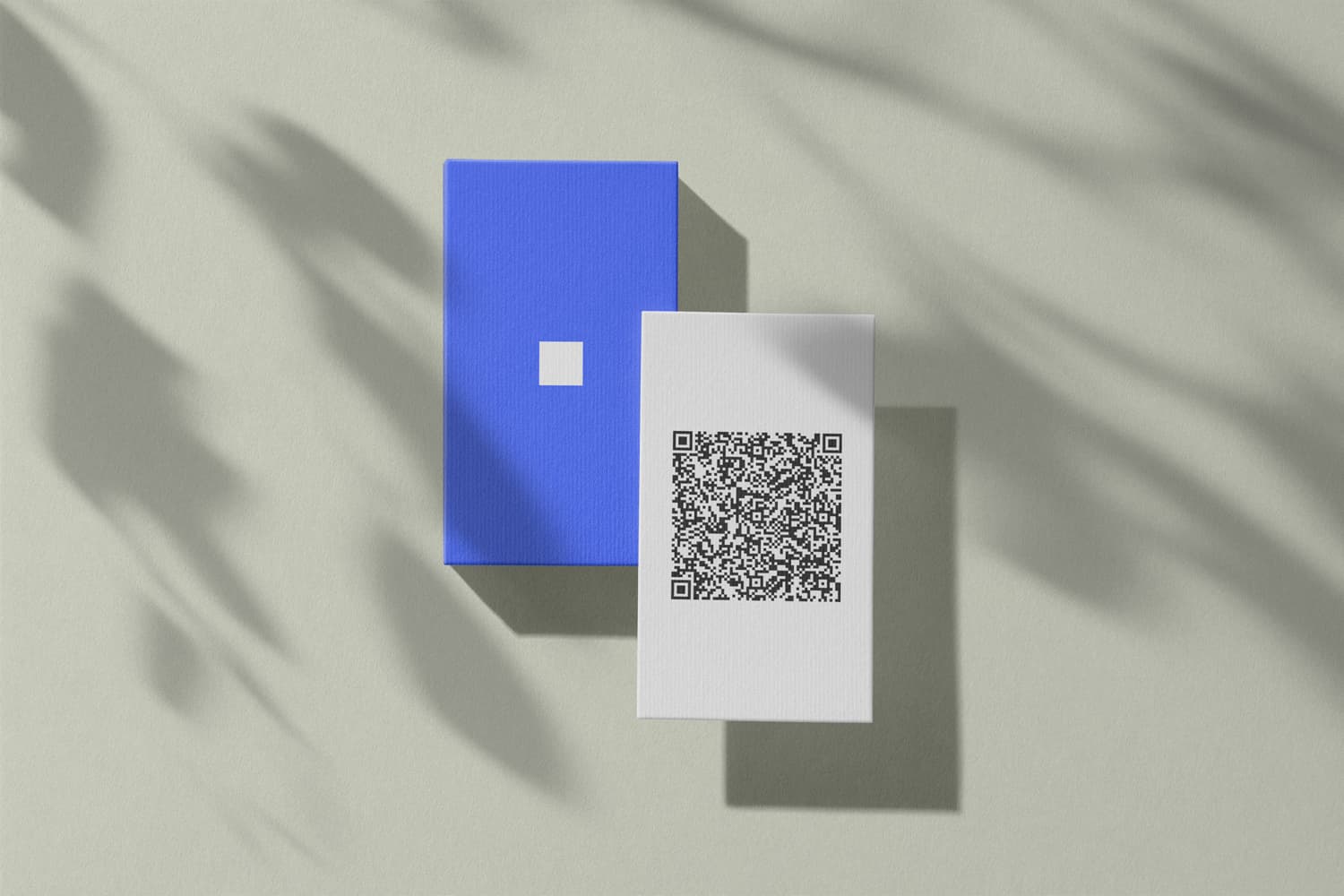
How to Create and Use a Free QR Code Business Card
Create a free QR code business card in minutes, no account needed. One scan saves your contact details accurately in the other person's address book.
You can create a QR code for your business card completely free: you type your contact details into a generator, and seconds later your personal QR code is ready – as an image you download. The other person scans it with their camera and has your details saved accurately in their address book. In this post, I'll show you how to create the code, what belongs in it, and how to get it onto a printed card. I'll also explain how it differs from the digital business card in Apple or Google Wallet – that's a separate product you create with DigiCard Pro for a one-time payment.
Key Takeaways
- You can create a QR code with your contact details for free and without an account, for example with our vCard QR code generator.
- The QR code is static: your details live inside the code itself. Scanning works offline, and the code stays valid forever.
- The code also works on paper – in your printed card's layout, in your email signature, or on your final presentation slide.
- The digital business card in Apple or Google Wallet is a separate paid product: with DigiCard Pro, you create it for a one-time payment, as an Editable Card if you want to update it later.
What is a QR code business card?
A QR code business card is a QR code with your contact details stored directly inside it – as a vCard, a standard format nearly every smartphone understands. The other person scans the code with their camera, and your name, phone number, and email address land in their address book without any typing.
The tedious typing disappears completely – and with it the transposed digit in your phone number and the unpleasant surprise weeks later when the copied email address turns out to be slightly off. The scan takes seconds, and you come across as organized and professional.
The key point: Once it's created, this kind of QR code works forever. It needs no internet connection and no server. That makes it a good fit for trade fairs, conferences, and spontaneous conversations, even in halls with poor reception.
The QR code business card is the simplest form of digital contact sharing. For what a full digital business card can do beyond that, see the guide to the digital business card. Especially for freelancers, who manage every contact themselves, error-free sharing pays off quickly.
Traditional business card vs. QR code business card
Here's a direct comparison between traditional paper cards and free QR code business cards.
| Feature | Traditional business card | Free QR code business card |
|---|---|---|
| Cost | Printing and design costs | Completely free |
| Updates | Reprint after every change | Create a new code for free |
| Transfer errors | Common because details are typed | Avoided through direct saving |
| Speed | Slow, usually manual typing | Seconds to scan and save |
| Availability | Can be forgotten or run out | Always on your smartphone |
| Sustainability | Paper use and waste | Eco-friendly because it's digital |
| First impression | Traditional and classic | Modern and digitally confident |
A classic card still has its charm, but the QR code business card wins on cost, speed, and sustainability – and it's always with you, saved on your smartphone.
How do you create a free QR code business card?
You create your QR code business card in four steps: open the generator, enter your contact details, create the code, and download the image. You don't need an account, and it rarely takes more than a few minutes.
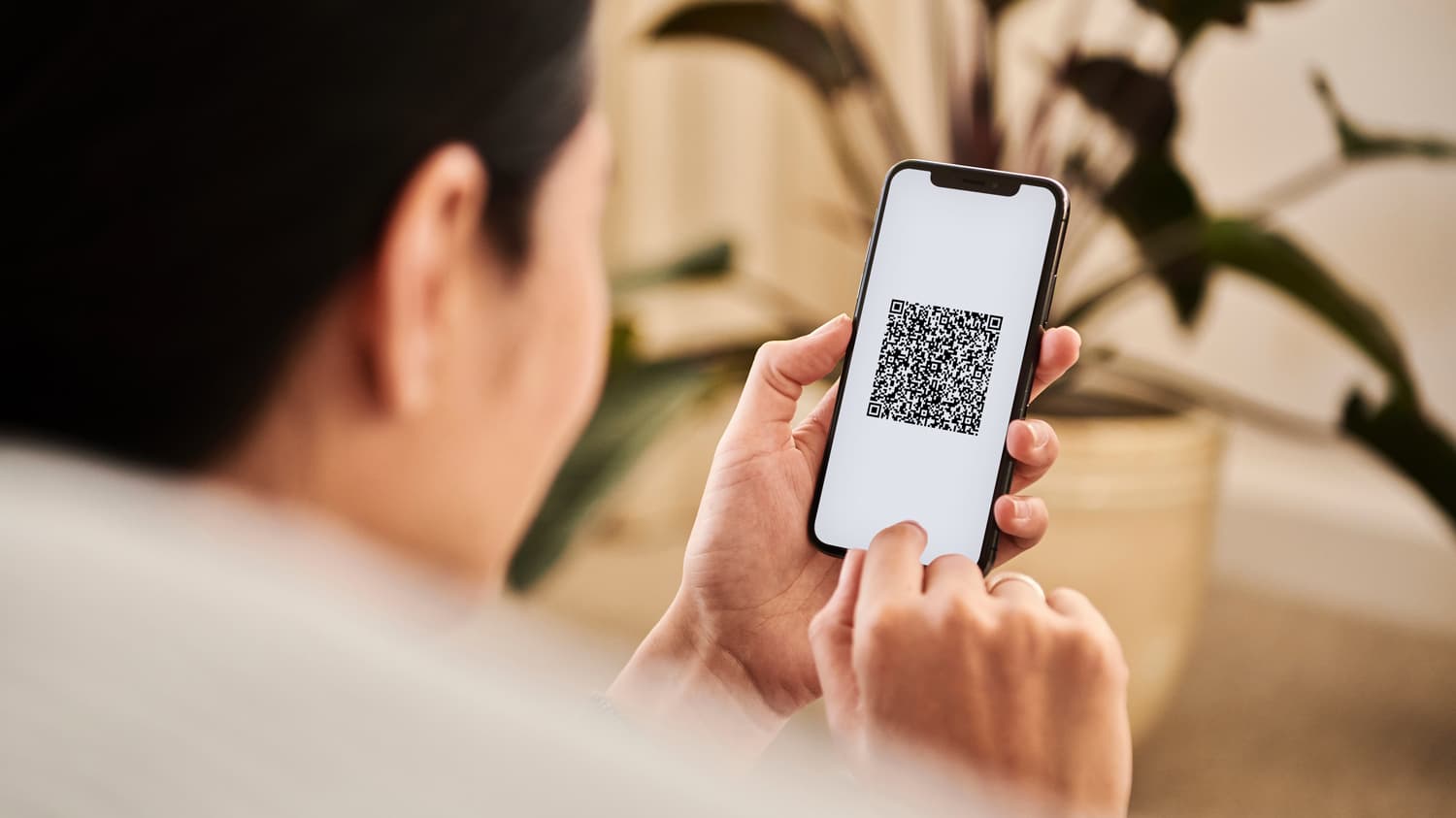
Here's how:
-
Open the generator. Go to the free vCard QR code generator.
-
Enter your details. Name, company, role, phone number, and email address. My tip from experience: keep it short, so the code doesn't get too dense and stays easy to scan on every device.
-
Create the code. One click, and the generator packs your details into a vCard and turns it into your finished QR code.
-
Download the image. You get an image file, usually a PNG or SVG. That's all you need.
Which information should you include?
For a first contact, not every detail matters. The goal is to give the other person a simple, direct way to reach you. This combination works well in practice:
-
Full name: So the person remembers who they spoke with.
-
Company and role: This creates immediate professional context.
-
Phone number: The direct line for quick follow-up.
-
Email address: Still essential for business communication.
-
One web link: one at most. For most people that's their LinkedIn profile; creatives link a portfolio, and in sales a booking link often works best.
Less is more here: an overloaded card only confuses.
Static or dynamic? The small but important difference
When you create a QR code, you'll meet two terms: static and dynamic. For a truly free QR code business card, the answer is clear: you want a static QR code.
-
Static QR code: Your contact details sit directly inside the code. It works forever, even without internet, and routes through no third-party server. It's the simplest and most independent option.
-
Dynamic QR code: It only holds a link to a provider's page where your details live. Handy for editing and tracking, but almost always tied to a paid subscription and an account. That goes against the idea of a free solution.
With a static code, the details are fixed. If your phone number changes, you just create a new code in a few minutes – free, as often as you like.
If you want to update your details over time: A free QR code you make yourself can't be changed afterward. For that case, DigiCard Pro offers the Editable Card (one-time payment, no subscription). Importantly, it still uses a static QR code, so it stays independent and tracking-free. The difference: when you change your details, DigiCard Pro regenerates the QR code and updates it automatically in your Apple or Google Wallet. You don't resend anything.
How do you add the QR code to a printed business card?
Download the finished QR code as an image and place it in your card's print layout – ideally at least 2 × 2 centimeters, with white space around it so every camera reads it reliably. That way you combine both worlds: the other person keeps a card in hand and still saves your details with a scan, no typing involved.
The QR code works anywhere the other person can see it:
-
On the paper business card: as part of the layout, or as a sticker on existing cards and proposal folders.
-
In your email signature: as a small image. Recipients scan your details straight from the screen.
-
On the final slide of a presentation: show the QR code clearly, and the audience can connect with you right away.
-
In video calls: added subtly to your virtual background.
Keep your card ready in Apple Wallet and Google Wallet
Your free QR code business card is an image. You can print it, add it to your signature, or keep it in your photo gallery – though mid-conversation, that gallery search can take a while. The more elegant option is a digital business card as a wallet pass: a designed card saved in Apple or Google Wallet, with the QR code right inside the pass. That's a separate, paid product – with DigiCard Pro, you create it for a one-time payment, no subscription. For how the two wallets compare, see the overview of the wallet business card.
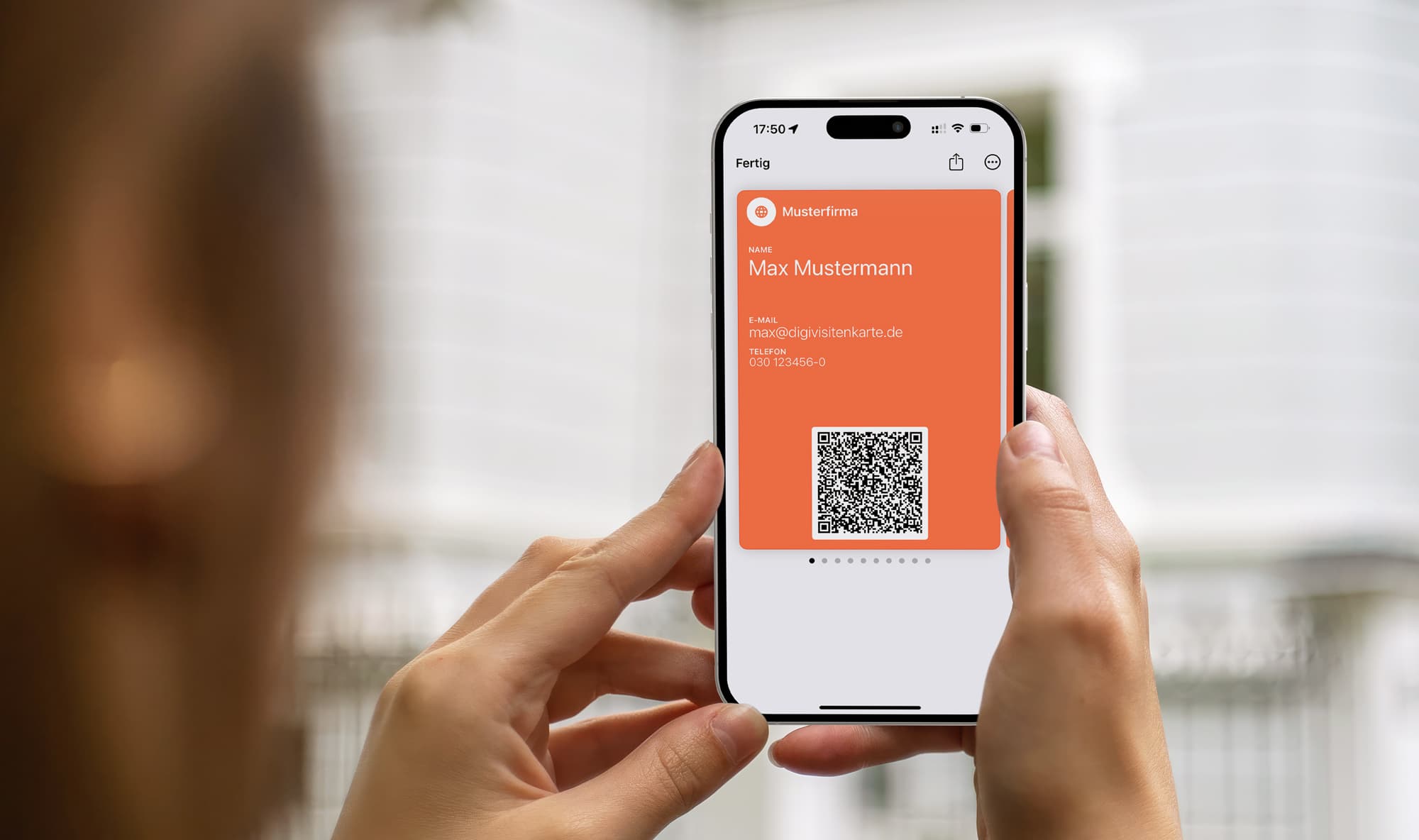
How to add your card to Apple Wallet
On the iPhone, it takes seconds. After you create your card with DigiCard Pro, you receive a link to it.
-
Open the link directly on your iPhone.
-
A preview of your digital business card appears.
-
Tap Add in the top-right corner.
That's it. Your card is now saved in Apple Wallet and available anytime, even offline. For a full walkthrough, see the guide on the Apple Wallet business card.
Your digital business card in Google Wallet
On Android, the path into Google Wallet is just as simple, through a link. You get an "Add to Google Wallet" button, tap it, and the card is saved. The QR code sits inside the pass, so you never have to search your gallery for an image. We show this step by step in the guide to the digital business card for Android.
How to show your QR code smoothly in conversation
Creating the QR code is the first step. It earns its keep when sharing feels natural mid-conversation: instead of searching your bag for a paper card, you show the QR code on your phone.
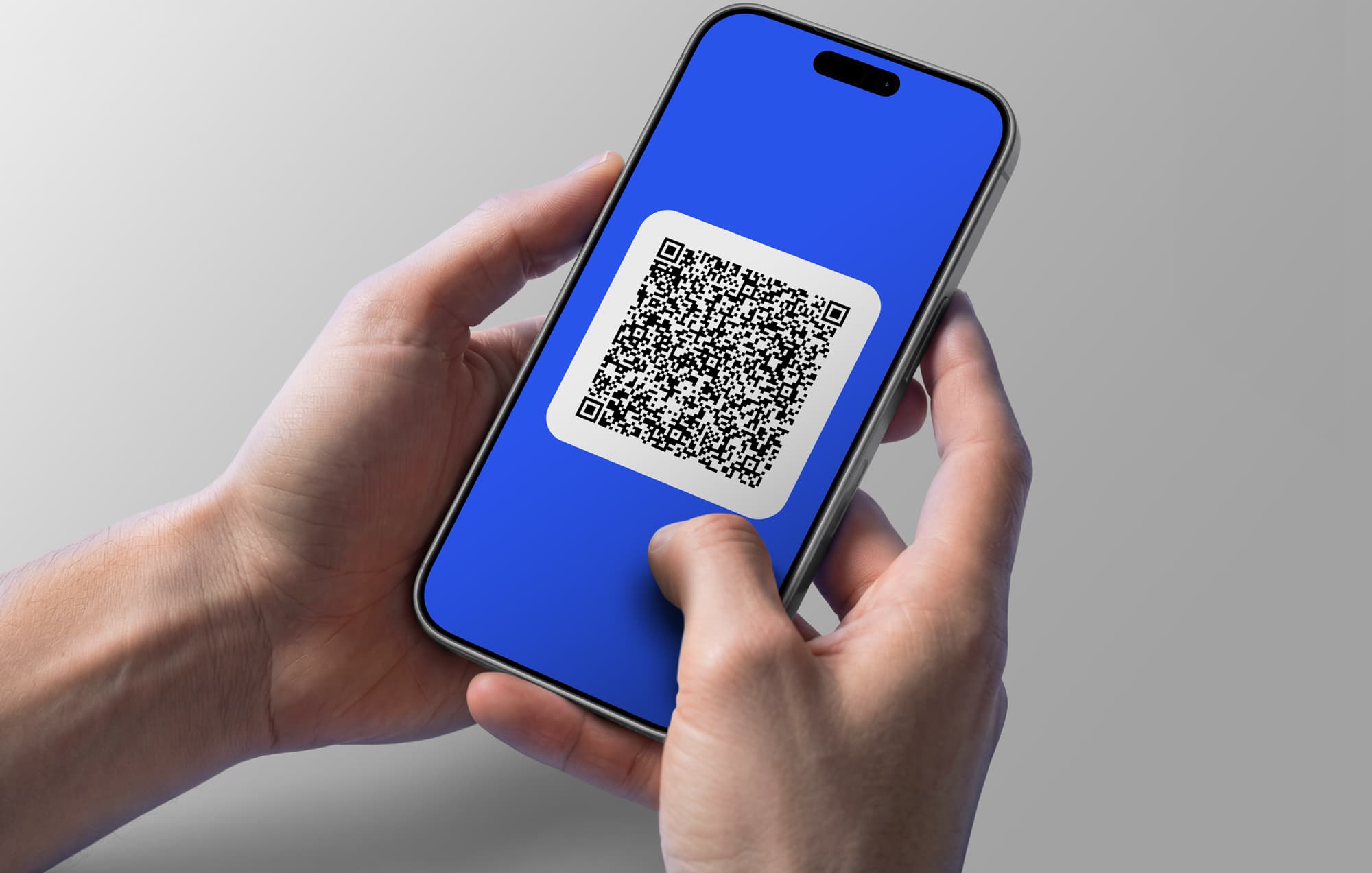
What matters is finding the code fast. With the free QR image, that means giving it a fixed home, like a dedicated album in your photo gallery. With the digital business card in Apple or Google Wallet, there's no searching at all: the QR code sits inside the pass and appears the moment you open the wallet.
A simple line like "Let's keep it easy, just scan my code" sounds natural, modern, and efficient. A small gesture that leaves a strong impression.
Run through the flow once or twice beforehand, and it'll feel effortless even under pressure.
Choose the right provider for free QR codes
Search online and many generators look identical: enter your data, click "Create," get a code. The important differences hide in the details. Many supposedly free services redirect the person scanning to the provider's page, sometimes with ads or a signup prompt. That feels unprofessional and breaks the fast exchange you wanted.
Why a static QR code is usually best
For a simple QR code business card, a static QR code is the most straightforward option. Your details sit directly in the pattern, with no intermediate step. That brings real advantages:
-
No account needed: A serious provider of static codes won't make you register. You create the code, download it, done.
-
Works anytime, anywhere: Because the details are in the code, scanning works without internet, ideal in a trade fair hall with weak Wi-Fi.
-
No ads after the scan: Your contact lands on your details, not on someone else's page.
A good rule of thumb: if a "free" service forces an account or advertises tracking, it's probably a dynamic QR code with costs attached.
What to check before choosing a provider
| Criterion | Good provider (static) | Weak provider (often dynamic) |
|---|---|---|
| Registration | No signup required | Forces account creation |
| Cost | Really free or clear one-time payment | Hidden subscriptions or paid "pro" features |
| Advertising | No ads after scanning | Shows ads or provider branding |
| Complexity | Simple form and direct download | Complex dashboards with features you don't need |
With this quick check, you can find a generator that gives you a clean QR code with no strings attached.
Common questions about QR code business cards
Thinking about creating a QR code business card but still have questions? Here are the points that come up most often.
What happens if my phone number or email address changes?
With a free QR code, your details live inside the code itself. If they change, you just create a new one in two minutes, also free. If you'd rather update your details whenever you like, choose the DigiCard Pro Editable Card and change them anytime.
Does the other person need a special app to scan it?
No. Every modern smartphone, iPhone or Android, has a QR scanner built into the camera app. Your contact opens the camera, points it at the code, and the phone offers to save your details. No download, no friction.
Is a free QR code business card really free?
Yes. A static QR code with your contact details can be created completely free, with no account. Just check that the provider doesn't force you to register or route scans through a tracking server, which usually points to a paid subscription.
Can I print the QR code on a paper card?
Yes. Download the finished QR code as an image and add it to your printed business card. You combine the physical and the digital: your contact scans the code and saves your details accurately, with no typing.
Prefer to keep your card on your phone instead of on paper? See our guide to a digital business card without an app, which lives in your Apple or Google Wallet and shares your details with one scan.
The best way to judge it is to try it: create your QR code free with the vCard QR code generator. And if you'd rather carry your card as a designed wallet pass in Apple or Google Wallet, use the card generator – one-time payment, no subscription.