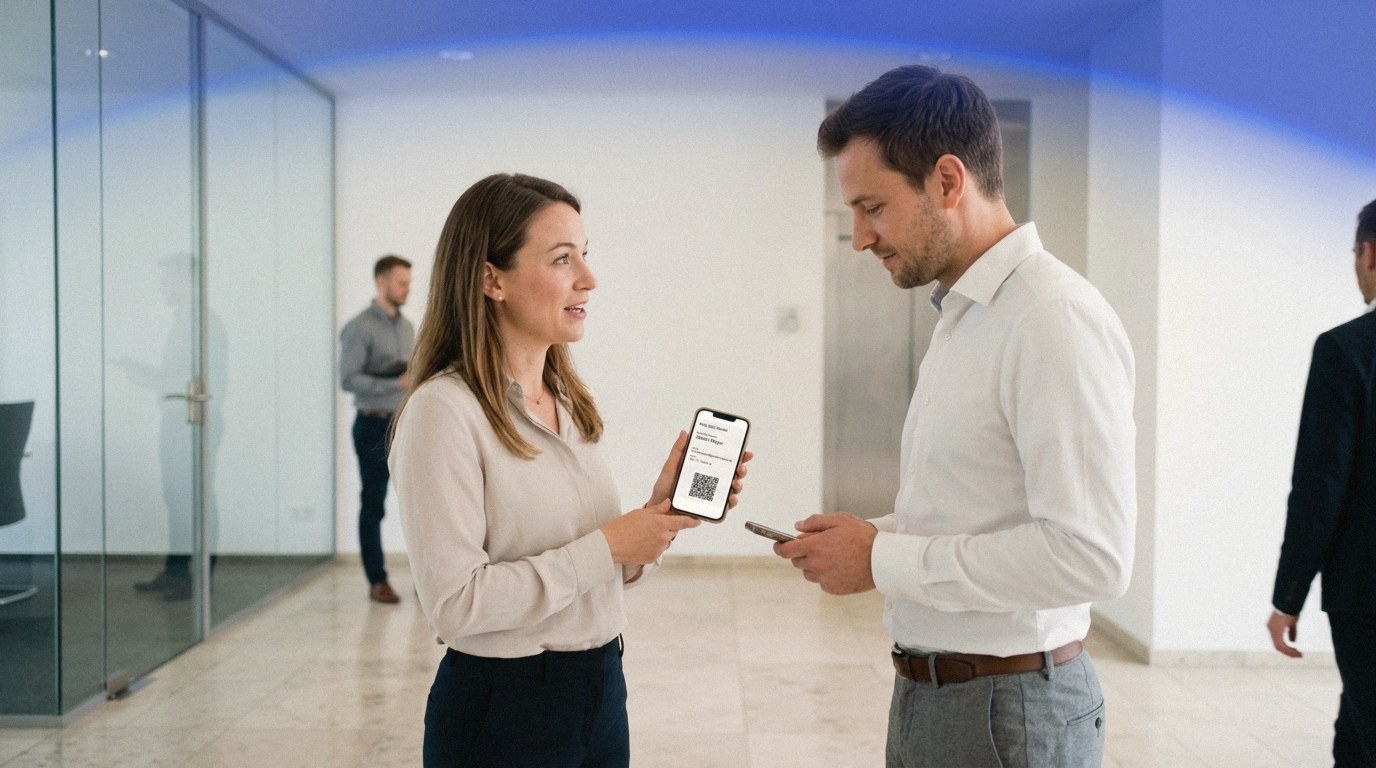
Digital Business Card: The Smart Networking Tool
What is a digital business card, and how do you use it well? The complete guide to the networking tool that makes paper cards obsolete.
A new contact scans your QR code, and your details are saved immediately and accurately in their address book. That's the value of a digital business card: you share your name, company, phone, and email with one scan, instead of handing over a paper card that bends, gets lost, or is typed in wrong.
Key Takeaways
- A digital business card holds your contact details in a QR code that any smartphone camera scans, no app needed.
- It lives in your Apple or Google Wallet, so it's always at hand, works offline, and lands straight in the other person's address book.
- Creating one takes a few minutes. A fixed card needs no account; choose the Editable Card if you want to update your details later.
What a digital business card really is
Forget complicated apps or clumsy PDFs sent by email. A modern digital business card is much more direct. Think of it as a digital handshake: a compact package that holds your most important contact information and makes it usable right away.
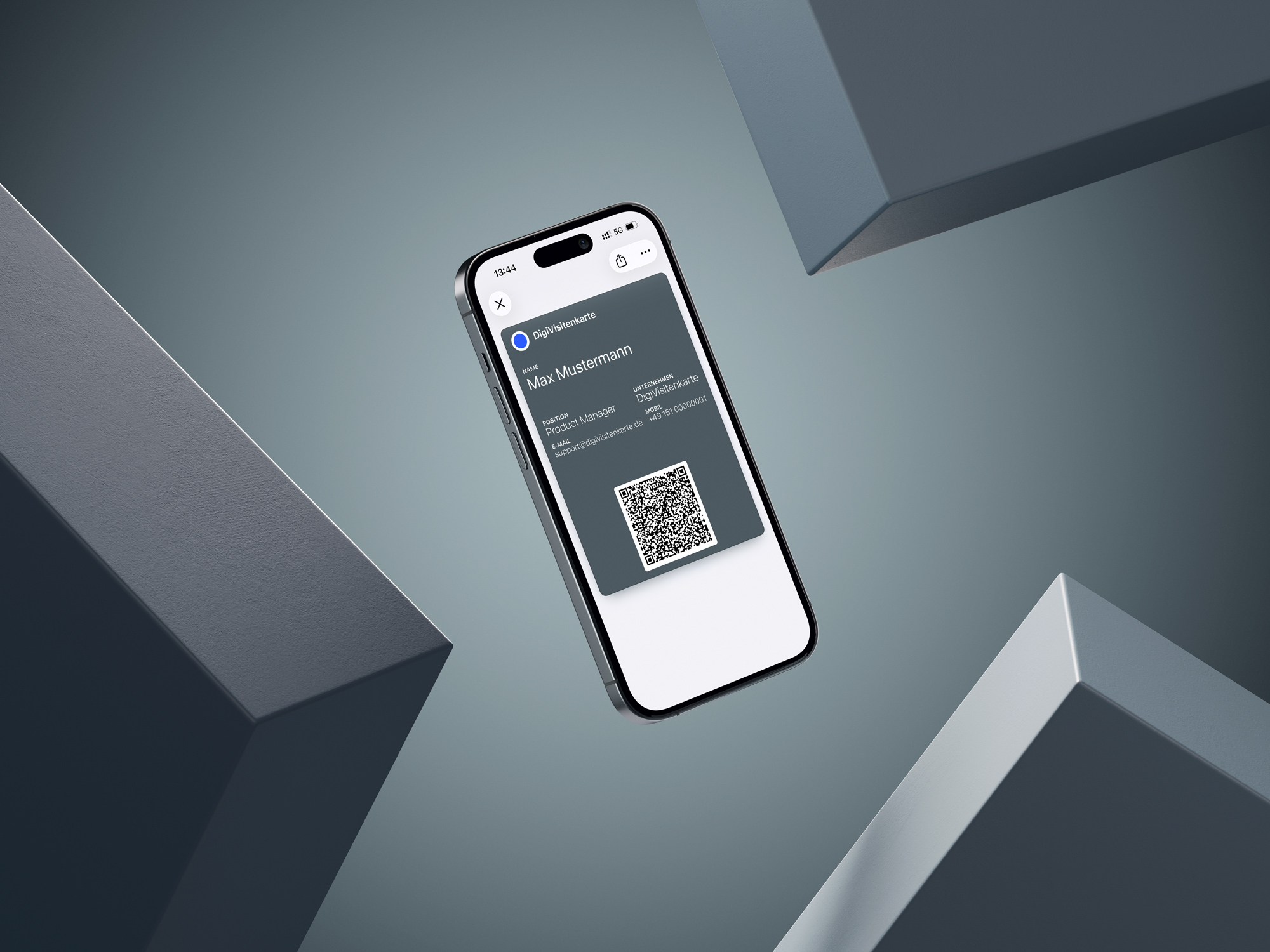
Technically, your details sit in a standardized contact format that modern smartphones already understand. That data is encoded in a QR code, and the QR code lives as a pass in your Apple or Google Wallet. So your card is the digital twin of the old paper card, only it's always with you and never runs out.
At the core, it is simple
The whole process is intentionally simple so it works in real business situations. The point is to remove friction when meeting someone, not to add a technical hurdle. The key building blocks:
-
Your details in a QR code: Name, company, phone, and email sit directly in the code. It's the key to your contact data.
-
The card in your Wallet: The QR code lives as a pass in Apple or Google Wallet, always at hand on your phone.
-
No app installation required: This is the crucial point. The person receiving your card doesn't need a special app. The camera on any modern smartphone is enough to scan the code and import the contact.
More than a passing trend
Moving away from paper isn't a novelty. It's a conscious choice for more efficient, more sustainable networking. A paper card is quickly filed away or tossed; your digital details, by contrast, go straight into the other person's address book.
That small difference can noticeably improve your first impression. You leave behind more than your contact details, you leave the impression of someone organized and forward-looking. A clear statement for modern professional connections.
The key benefits for your networking
Switching from a paper card to a digital business card is more than a technical upgrade. It's a practical decision that directly affects your efficiency and professional presence when networking.

The advantages around cost and sustainability are obvious: you avoid recurring print costs and reduce paper use. But the real value shows in everyday use. Picture a busy trade fair: instead of searching your bag for a card, you open yours in your Wallet. One quick scan, and your details are exchanged in seconds.
Practical value in every situation
A digital business card solves the small but annoying problems of networking:
-
Always available: Once created, your card is on your phone whenever you need it. No more worrying whether you brought enough paper cards.
-
Error-free transfer: No more typing mistakes. The scan saves your name, email, and number exactly as you intended.
-
A modern, lasting impression: The fast, smooth exchange stands out. People remember the conversation and the efficient process.
Efficiency as a success factor
Effective networking means focusing on what matters: the personal connection. A digital business card automates the administrative part of exchanging details and gives you more time for the actual conversation. To see how easy the setup is, read the guide to a QR code business card on iPhone.
How does QR-code contact exchange work?
Many people assume the process must be technically complicated. Fortunately, the reality is much simpler. The whole system rests on one technology every modern smartphone already knows: the QR code.
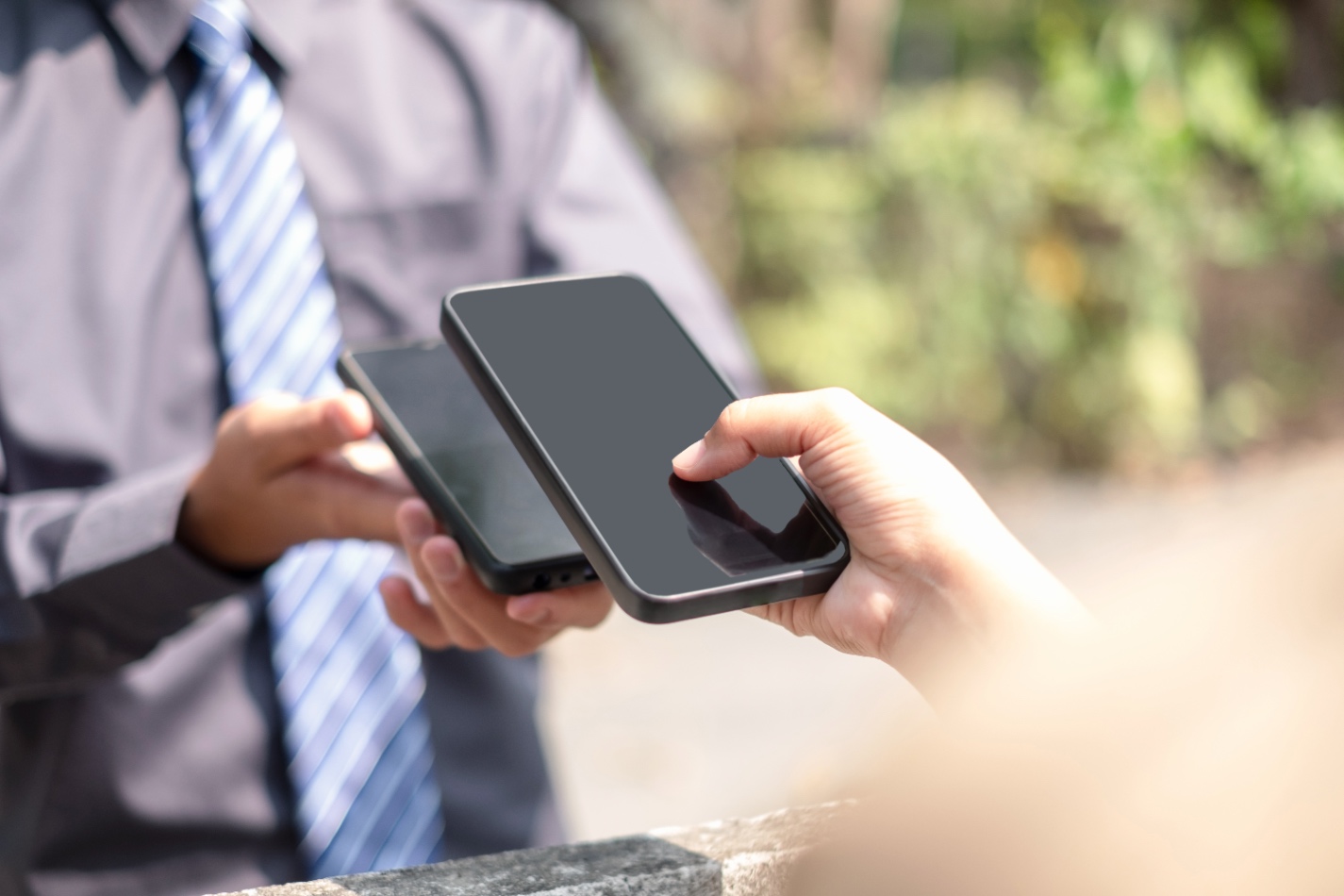
It starts with setting your contact details once: name, company, phone number, email. From that, your personal QR code is created, holding the information directly, and it lives as a pass in your Wallet.
How the exchange works in practice
When it's time to exchange details, the process is surprisingly simple:
-
Open the card: You open your business card in your Wallet and show the QR code to the other person.
-
Scan with the camera: Your new contact points the normal camera app at the code. No special app is needed on the receiving phone.
-
Save the contact: The phone recognizes the code and shows a prompt like "Add contact." One tap, and your details are saved accurately in their address book.
Fixed and Editable Card
When you create your card, you have two options. A fixed card has your details locked in after creation; if they change, you simply create a new one in minutes. It keeps things maximally simple and needs no account.
If you'd rather update your details over time, choose the Editable Card. You can change your contact details and design anytime, and the pass updates automatically in your Wallet. Both options come without hidden subscription fees.
Smart strategies for successful networking
A digital business card is far more than a gimmick. In practice, it can turn a short conversation into a valuable relationship. The real value isn't the QR code itself, but how you shape the moment of exchange.
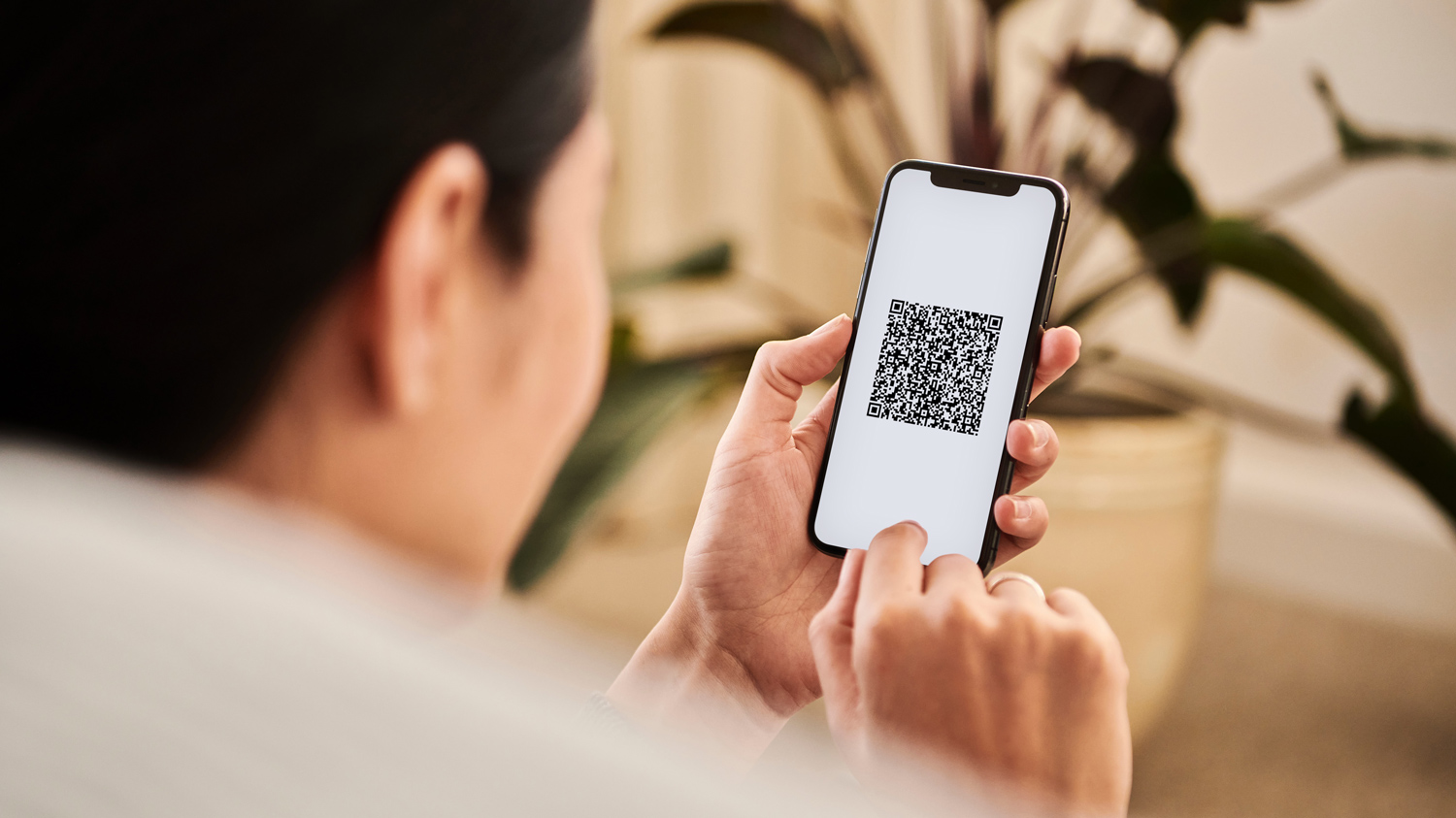
Instead of simply holding up your phone, connect the exchange with a personal comment that follows from the conversation. That turns a technical action into a shared, positive moment.
Find the right transition
The most elegant way to introduce it is a natural transition at the end of a good conversation. These phrases work well in practice:
-
Direct and simple: "I really enjoyed our conversation. Let's stay in touch, here are my details."
-
Connected to the topic: "I'd like to send you the link to the project I mentioned. Easiest if we quickly exchange contacts."
-
Forward-looking: "We should continue this over the next few weeks. Here's my contact so we can arrange something."
Maintain the relationship after the exchange
Exchanging details is only the first step. A timely, personal follow-up is essential if you don't want to become just another saved contact. A short message on LinkedIn within 24 hours can make a major difference and reinforces the positive first impression.
The shift toward digital networking is also visible in market growth: the digital business card market is projected to grow from around 215 million US dollars in 2025 to about 680 million by 2035 (Research Nester).
Strategies for specific situations
Not every situation is the same:
-
Loud events, trade fairs, conferences: Speed matters. Keep your card ready in your Wallet, so the QR code is one tap away. "Let's quickly exchange contacts before we lose each other in the crowd" works well.
-
Online meetings: Use the moment before the call ends. Show your QR code in a subtle virtual background or post a link to your card in the chat.
-
Spontaneous encounters: Whether in a cafe or on a train, your phone is always with you. So you're always ready to secure a new contact.
Where your digital business card can work
Your card is too useful to appear only at in-person meetings. You can place your QR code in several spots to increase your reach:
-
In your email signature: Add the QR code so recipients save your details with a quick scan from the screen.
-
On the final slide of a presentation: End talks with a slide that shows your QR code clearly, so the whole audience can connect with you.
-
On printed material: Put the code on flyers, folders, or the back of a paper card to bridge both worlds.
This versatility makes the QR code a valuable tool for modern networking. To go further, the guide to a free QR code business card explains how to create and use one across digital and printed formats.
Your questions about digital business cards
When people consider moving from paper cards to a digital solution, practical questions come up. Here are the most common answers.
Does the other person need a special app to receive my card?
No, and that's one of the biggest advantages. Almost every modern smartphone, iPhone or Android, has QR recognition built into the camera app. The recipient doesn't install anything: open the camera, scan, save. The exchange is fast and simple for both sides.
Can I change my details later?
It depends on the variant. A fixed card has your details locked in after creation, so you'd just create a new one. If you want to update anytime, choose the Editable Card and change your details and design whenever needed. The pass updates automatically in your Apple or Google Wallet.
Do I get statistics about who scanned my card?
No. The approach focuses on simple contact sharing. There are no tracking features, no central user account, and no CRM integration. You can't see how often your card was scanned, which keeps the whole process lean and straightforward.
Can I add a photo of myself?
No, a contact photo isn't part of this approach. The card focuses on the essentials, name, company, role, phone, and email, so it stays lean and reads reliably in any address book app.
Want to skip downloads entirely? Here's how a digital business card without an app works, for you and for the person scanning it.
Ready to make networking simpler? Create your own DigiCard Pro card in just a few minutes, without a subscription or hidden costs. Create your digital business card.