Digital Business Cards for Freelancers: Never Lose a Contact Again
Freelancing runs on contacts. A digital business card keeps your details in every new contact's phone – set up in minutes, no app, nothing to run out of.
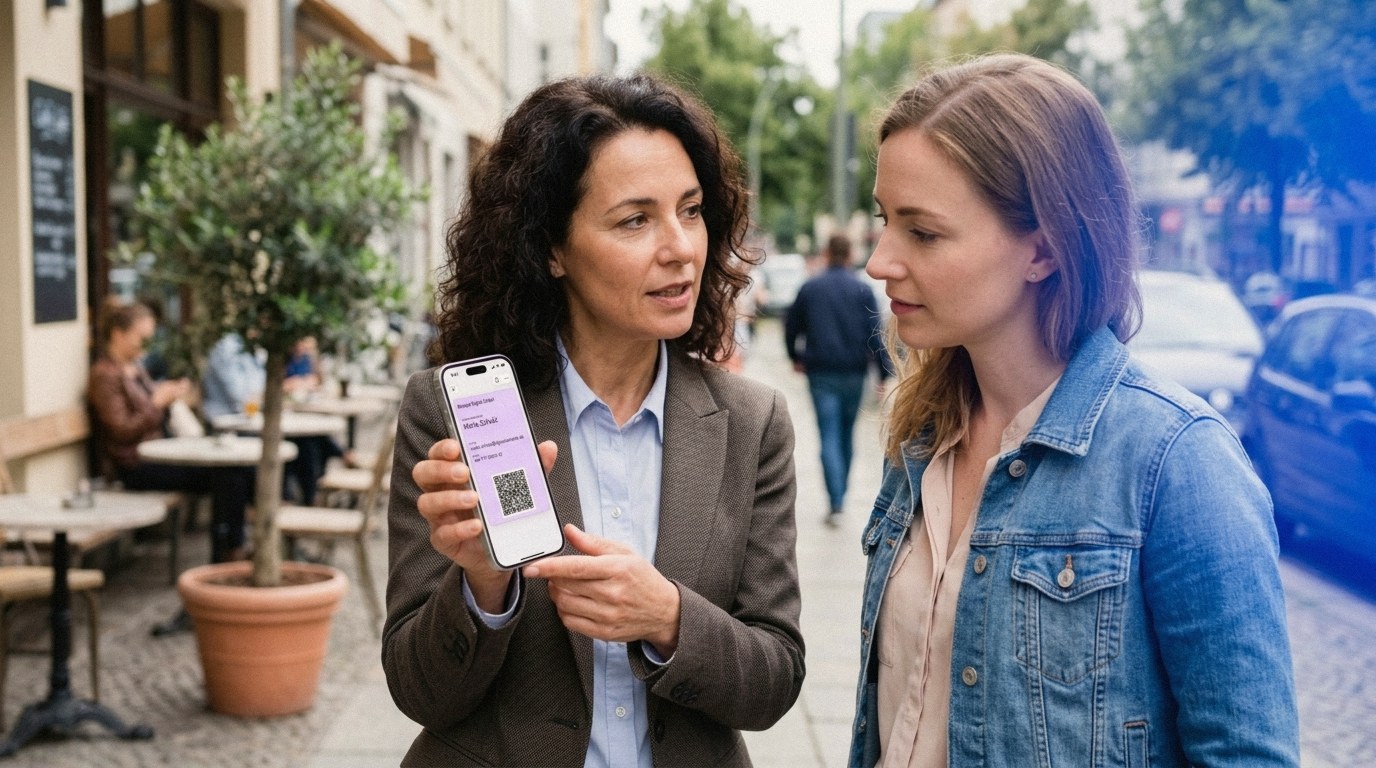
When you're freelancing, you are the business. Every new contact could turn into your next project, so the worst moment to come up short is the introduction itself. A digital business card solves that: it lives in your phone, and a single scan drops your name, role, phone, and email straight into the other person's address book. There's no stack of paper to run out of, and nothing gets typed in wrong.
Key Takeaways
- For a freelancer, every contact counts. A digital business card is always on your phone, so you never miss the chance to share your details.
- Paper cards get lost, run out, or go out of date. A quick scan lands your details straight in the other person's phone instead.
- You can create one in a few minutes and keep it in your Apple or Google Wallet. A fixed card needs no account; choose the Editable Card to update anytime.
Why do freelancers need a digital business card?
Because you don't have a marketing team behind you – you are the brand. In 2023, 64 million Americans did freelance work, about 38% of the workforce (Upwork, 2023), and they're all competing for the same first impression. A card that's always in your pocket means a good conversation never ends with "Sorry, I'm out of cards."
Paper makes that risk worse: roughly 88% of business cards are tossed within a week (Adobe, 2016), and the few that survive get buried in a jacket pocket or copied down with a typo.
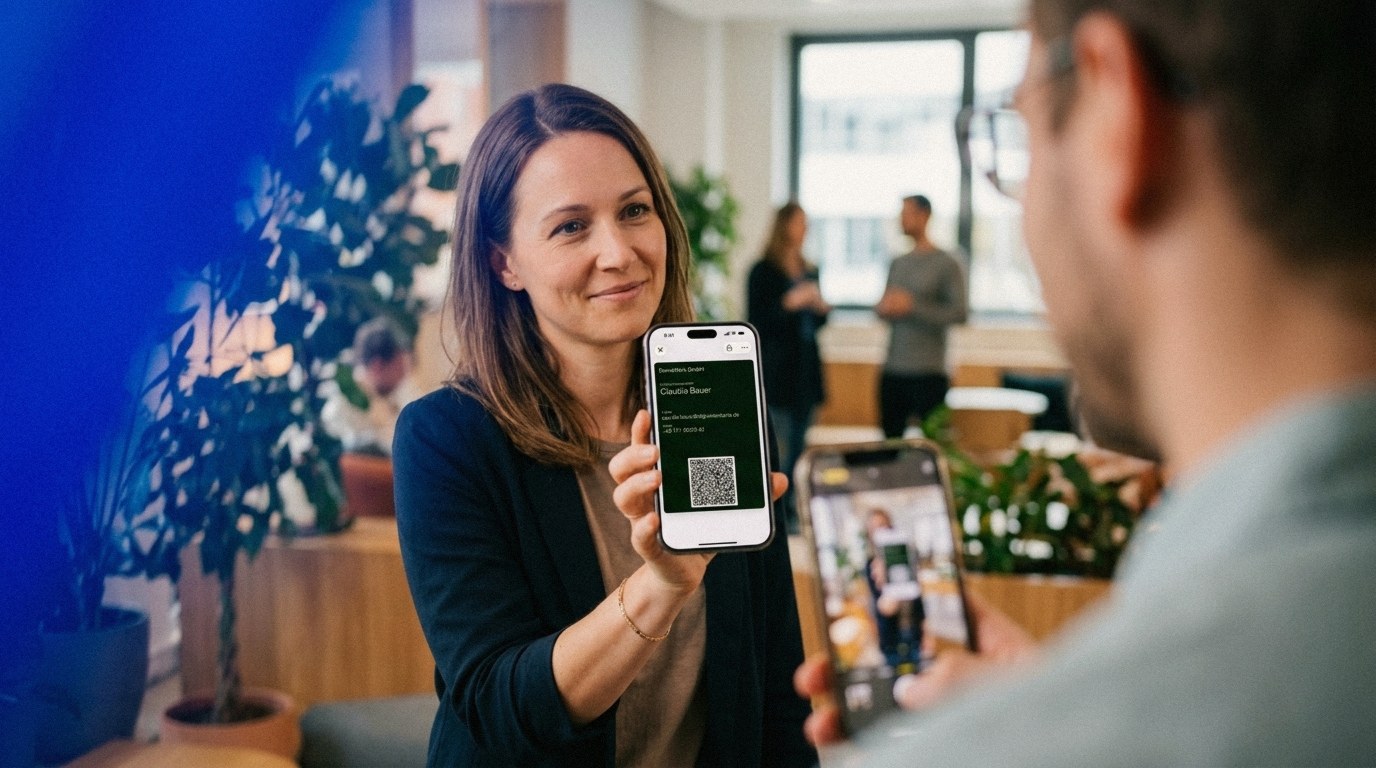
With a digital card, the exchange is clean. Your contact opens their camera, scans the QR code, and saves your details in seconds – accurately, every time. For a freelancer, that reliability is the whole point: the people you meet actually keep a way to reach you. To see how the basics work, read our guide to the digital business card.
And this isn't a passing trend. Research Nester valued the global digital business card market at about $215 million in 2025 and expects it to grow more than 12% a year through 2035 (Research Nester, 2025). More professionals share contacts this way every year – and you want to look like you're ahead of that shift, not behind it. For the wider data, see our roundup of digital business card statistics.
What makes a digital business card right for freelancers?
Simplicity. The best card for a freelancer is the one with the fewest steps – nothing to set up, and nothing for the other person to install. You already run every part of your business, so the tool that shares your details should just work.
It comes down to three things that matter in real life:
- Always with you: Your card sits in your Apple or Google Wallet, ready whenever you need it. You're not digging through your camera roll.
- No app for the other person: They scan the QR code with their normal camera. Nobody has to download anything, which removes the usual friction.
- Works offline: The QR code holds your details directly, so it still works in a packed venue with no signal.
That's the trade you want: a tool that does one job well – sharing your details fast – with no subscription, no dashboard, and nothing to maintain. For a closer look at the QR side, see our guide to a free QR code business card.
How do you create a digital business card in a few minutes?
It's quick. You enter your details once in the DigiCard Pro generator, and your card is ready moments later – no technical know-how, just a browser. When you create it, you pick between two variants, and the right one matters for freelancers:
- Fixed card: Your details are locked in once you're done. It's the simplest option, needs no account, and it's ideal if your information rarely changes.
- Editable Card: You can update your details and design anytime, and the card refreshes automatically in your Wallet. That helps when you change your offer, your number, or your title.
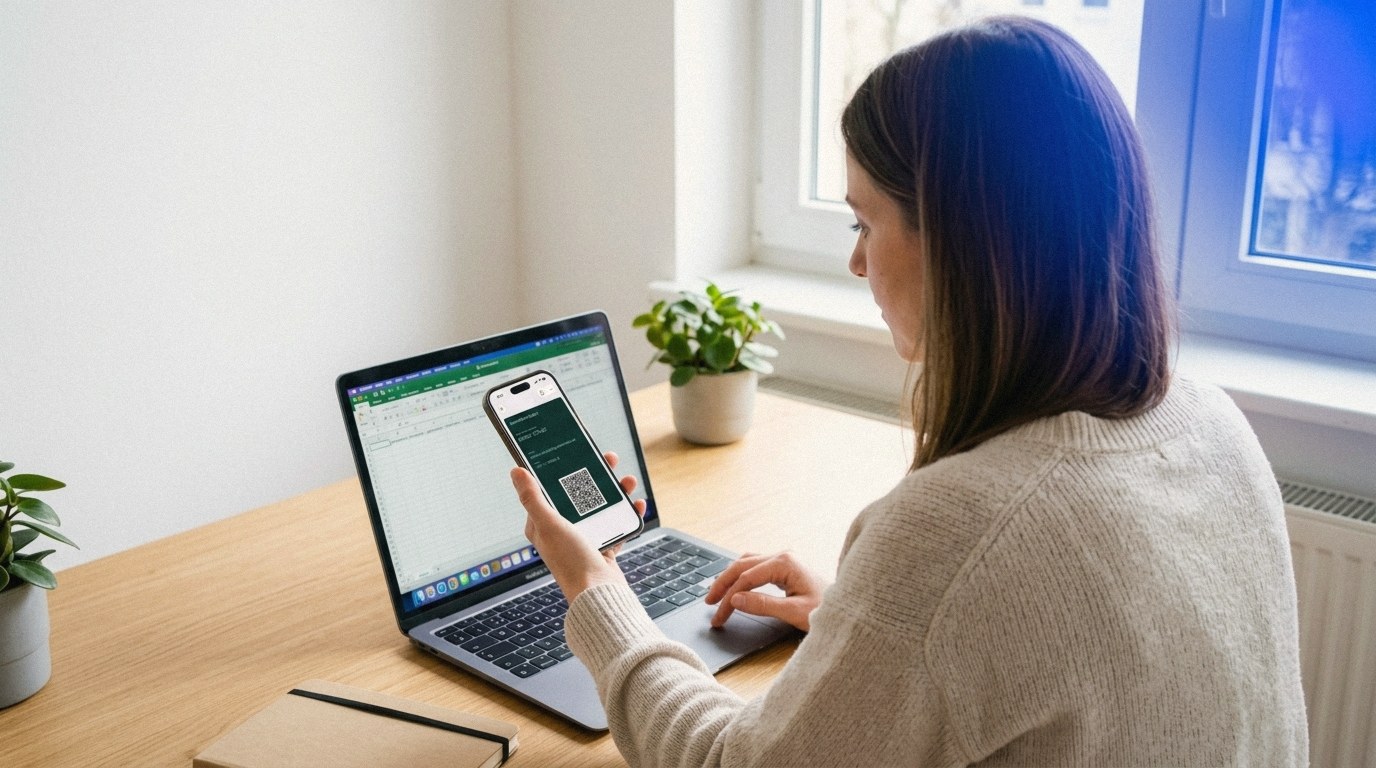
From there, you save the card to your Wallet with a tap. We walk through it step by step for iPhone in our guide to a QR code business card on iPhone, and for Android in the guide to a digital business card for Android.
What should you put on a freelancer's card?
Less is more. A cluttered card just slows people down, so keep it to the essentials. For most freelancers, this short list works best:
- Your name and what you actually do: Not just "Freelancer" – be specific, like "Copywriter for SaaS brands." Your offer should land the moment they read it.
- Phone and email: The direct routes for a quick question or a project brief.
- One key link: This is your edge. Add a single link that fits your work, instead of listing five profiles.
Which link depends on your business. A designer points to a portfolio, a consultant to a booking page, a developer to their site. The idea stays the same: the card is a signpost, not a résumé. It should make the next step as easy as possible.
How do you use it to never miss a contact?
Treat sharing as a small favor, not an afterthought. Instead of silently holding out your phone, say something like, "I'll send my details straight to your phone, so you've got everything." It comes across as organized and current.
As a freelancer, the openings show up more often than you'd think:
- In client meetings: At the end of a good conversation, open your card in your Wallet, let them scan, done. It sticks in their memory.
- At events and meetups: Speed wins. You skip the card shuffle, and every new contact has your details saved correctly on the spot.
- In your email signature: Add your QR code as a small image, so anyone can save your details with a scan from their screen.
- On proposals and invoices: A QR code on the document makes it easy for a client to save you for the next project.

The real work starts after the exchange. A short, personal message within a day makes the connection stick – mention one detail from your chat, and you go from "someone I met" to "someone I'll work with." For the Apple side of the setup, see our guide to the Apple Wallet business card.
Frequently asked questions
Does the other person need an app to receive my card?
No. Almost every modern smartphone, iPhone or Android, scans a QR code straight from the camera app. Your contact doesn't install anything: open the camera, scan, save. That low friction is a real advantage when you're meeting someone for the first time.
Can I change my details later?
It depends on the variant. A fixed card has your details locked in, so you'd just create a new one. If your offer or number changes often, choose the Editable Card and update it anytime. The pass refreshes automatically in your Wallet.
Is a digital business card worth it for part-time or side freelancers?
Yes. When you're starting on the side, the lean setup pays off: no print runs, no stack of outdated cards. You share your details the moment an opportunity comes up, and you look organized from the first handshake.
Can I link my portfolio or booking page?
Yes. Alongside your name, phone, and email, you can add one key link – your portfolio, your booking page, or your website. That turns the card into a signpost that sends new contacts straight to your work.
Ready to make sure your next contact actually sticks? Create your own digital business card with DigiCard Pro in a few minutes – no subscription, and nothing for the other person to install. Create your digital business card.