How to Create a Business Card on iPhone: Smart Networking Made Easy
Learn how to create a business card on iPhone, save it in Apple Wallet, and use it professionally for modern networking.
Let us be honest: traditional paper business cards often feel impractical, and they can become outdated quickly. When you decide to create a modern business card on your iPhone, you are choosing efficiency and foresight. It is the logical next step for professional contact exchange, and it leaves a modern, lasting impression whenever you meet someone new.
The digital business card as your key to modern networking
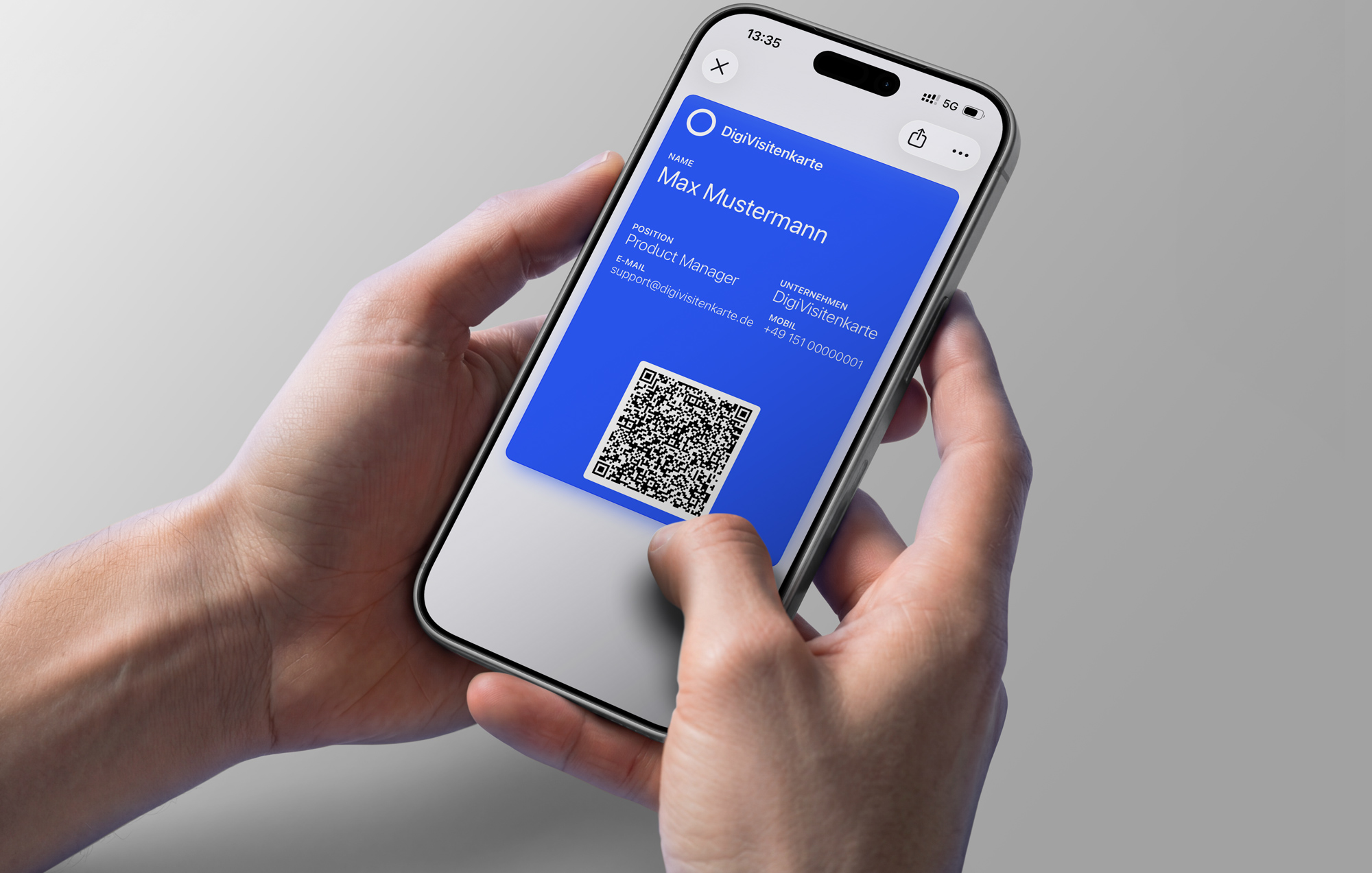
At a time when the smartphone is always with us, exchanging printed cardboard can feel increasingly outdated. Paper business cards get lost, end up forgotten in drawers, or even worse, contain information that is no longer correct after a short time. Choosing the digital alternative on your iPhone is therefore more than a convenient option. It is a clear statement that your professional presence is current, practical, and well organized.
More than a replacement
A digital business card stored directly in Apple Wallet immediately signals that you are digitally confident, organized, and conscious of sustainability. Instead of searching your bag for the right card, you take out your iPhone. This smooth process speeds up the exchange of contact details and can also become a natural conversation starter. It shows the other person that you value smart and efficient processes.
The biggest advantage is simplicity and reliability. With a service such as DigiCard Pro, you create a static Wallet file (.pkpass) without technical hurdles.
Business card comparison at a glance
A direct comparison shows why a digital business card in Apple Wallet is stronger than a classic paper business card in many situations.
| Feature | Digital business card (iPhone) | Classic paper business card |
|---|---|---|
| Availability | Always with you on your iPhone | Must be carried separately |
| Sharing | Instantly by QR code or AirDrop | Manual handover |
| Freshness | Static and final after creation | Outdated after a role or phone change |
| Storage | Saved securely in Apple Wallet | Easy to lose, fills wallets and drawers |
| Cost | One-time purchase per version | Ongoing print costs for reorders |
| Sustainability | Fully paperless | Uses paper, ink, and print resources |
The difference becomes clear quickly. The digital card is not only more practical, but also more sustainable and more modern.
Always with you and ready immediately
Your digital business card is available on the device you already carry almost everywhere. That makes spontaneous networking at conferences, meetings, events, or chance encounters easier than ever.
The main benefits:
-
Constant availability: You almost always have your iPhone within reach, which means your business card is there too.
-
Sharing in seconds: One QR code scan is enough to transfer your details, and the process is compatible with modern smartphones beyond the iPhone.
-
No outdated information: Because you define all details before purchase, you share the exact contact information you approved.
-
Sustainability: You reduce paper waste and preserve resources, which also strengthens your professional image.
When you create a business card on iPhone, you prepare your networking for a faster and more direct way of connecting.
Why the iPhone is the perfect basis
For many professionals, the iPhone is much more than a smartphone. It is a central tool for daily work. If you want to create a business card directly on your iPhone, you already have the ideal platform in your hand. The broad use of iPhones and the familiarity of Apple's ecosystem make digital contact exchange simple and intuitive.
One major advantage is Apple's closed and trusted ecosystem. People know features such as AirDrop and Apple Wallet, and many already use them regularly. That lowers the barrier to trying a digital Wallet business card.
Broad adoption creates acceptance
People who choose a premium device such as the iPhone are often open to well-designed digital tools. This audience is especially receptive to a professional digital presence. The trend toward storing business cards directly on the iPhone is supported by Apple's strong position in many markets.
In Germany, for example, iPhones have repeatedly ranked among the bestselling smartphone models. One model alone has reached a market share of around 13.2%, and iPhone usage is especially strong among younger generations: 54% of people born between 1995 and 2012 use one. That makes the iPhone a strong platform for digital business cards. More background is available in Statista's smartphone market share data.
The process itself is intentionally simple. Instead of dealing with overloaded features such as CRM integrations or user statistics, the focus is on what matters: fast, reliable, and professional contact exchange.
That reduction is exactly what makes a digital business card in Apple Wallet useful. It is not complex software. It is a focused tool that does one job well and makes the first networking impression modern and efficient.
How to create your business card for Apple Wallet
Having your own digital business card in Apple Wallet is much easier than it may seem at first. With a specialized provider such as DigiCard Pro, you can create a professional business card for iPhone without technical hurdles and without installing a separate app.
All you need is your web browser. The process starts with a clear input form. Take a moment here, because this step is important. The file you receive at the end is static. That means the details cannot be changed after purchase.
The most important information for your card
Before you begin, think briefly about which contact details are truly relevant for your network. A thoughtful digital business card is more than a list of data. It is your digital handshake.
From practical experience, these details are usually worth preparing:
-
Full name and role: This immediately clarifies who the other person is dealing with.
-
Company details: Company name and address are still useful in many professional contexts.
-
Direct contact options: Email address and phone number are the essentials.
-
Online profiles: A LinkedIn profile or personal website builds trust and gives the other person useful context.
As you enter your details into the DigiCard Pro generator, you see a live preview. That is useful because it gives you a clear impression of how the finished card will appear in Wallet.
From draft to finished Wallet file
In the generator, you do more than enter your contact details. You can also adapt the design, for example by choosing brand colors and uploading your logo. This creates a professional and consistent brand appearance that people can recognize immediately.
The following screenshot shows how cleanly the DigiCard Pro generator is structured. This is where you enter your information and adjust the design.
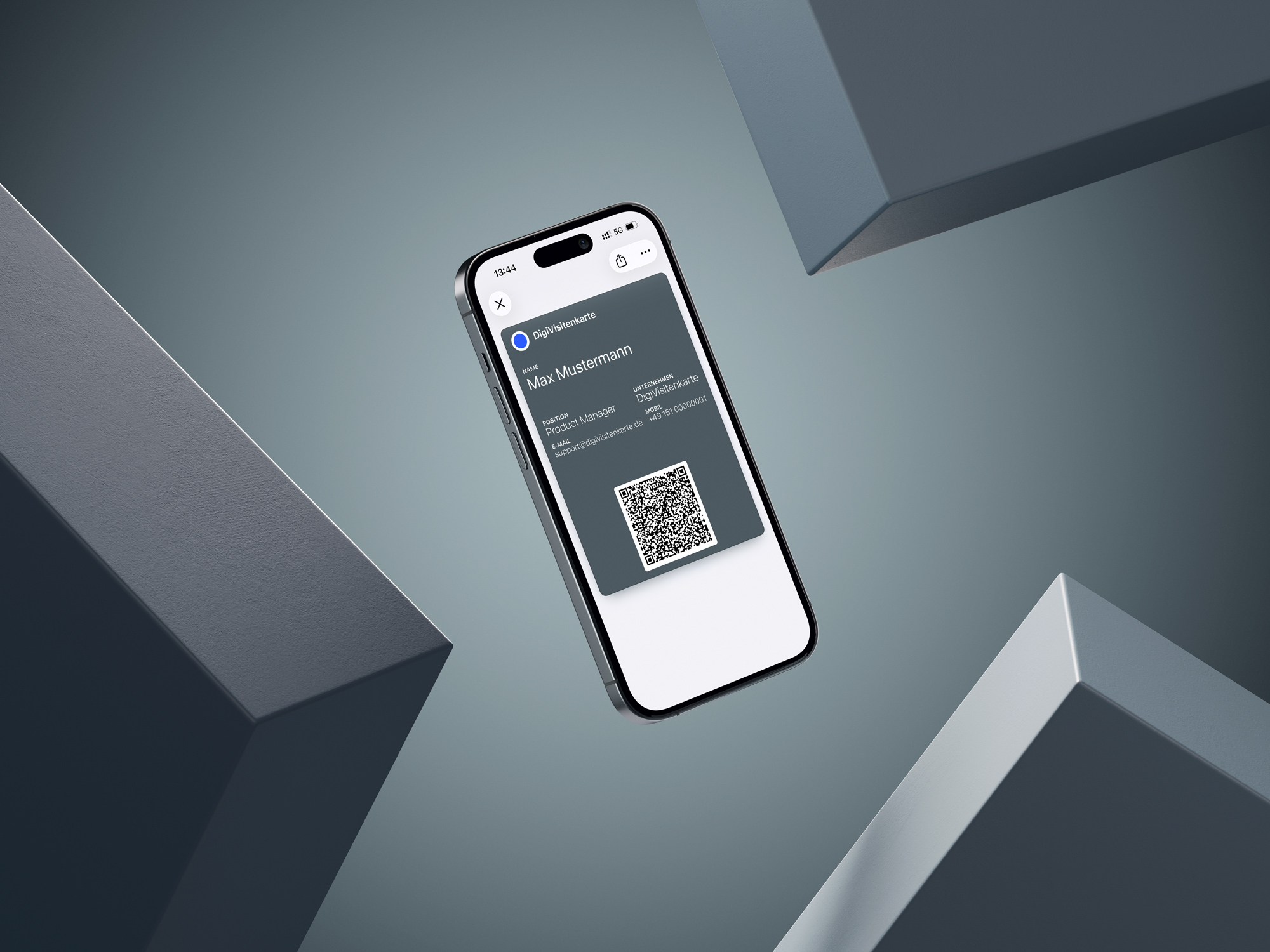
The path to a functioning card is intentionally simple, so you can finish quickly without getting lost in settings.
When all details are correct and the design looks right, you complete the purchase. Immediately afterward, you receive your finished digital business card as a .pkpass file. This file is essentially your digital stack of cards: always with you, paperless, and ready to use. For more detail on the full Wallet process, see the guide to creating an Apple Wallet business card.
The final step is simple. Open the received .pkpass file on your iPhone. iOS recognizes the format and offers to add the card directly to Apple Wallet. Tap Add, and your new digital business card is stored securely and ready in Wallet.
Effective networking strategies for real use

Creating a digital business card is the easy first step. The real value appears when you use it confidently, whether at conferences, in important meetings, or during a spontaneous conversation in a cafe. Ultimately, your digital card is only as effective as the strategy behind it.
The QR code exchange is not only practical. It can also be a smart conversation opener. Instead of searching your bag for a bent paper card, you take out your iPhone. That looks calm, modern, and professional.
The right moment and the right wording
Timing matters. Few things feel more awkward than showing someone a QR code immediately after saying hello. The best moment usually comes naturally near the end of a good conversation, when it is clear that staying in touch would be useful.
A relaxed sentence works best. Try something like: "Let's stay in touch. I can show you my QR code quickly, and you will have my details right away." That is professional without feeling pushy.
Communicate the clear benefit: speed and simplicity. DigiCard Pro deliberately avoids extras such as tracking or CRM integrations. Its strength is the focus on the essentials.
Technology as a bridge into the conversation
The wider technical environment also supports this shift. Messaging standards such as Rich Communication Services are becoming more relevant on iPhone in Europe, and contact sharing is increasingly expected to happen digitally. Forecasts around RCS adoption have pointed to millions of activated iPhone users in Germany, which shows how quickly interactive digital exchange is becoming normal.
For a digital business card, that matters because the contact exchange no longer has to be limited to the physical moment. You can show the QR code in person, send a link after an online meeting, or include the card in a follow-up message. The iPhone becomes the bridge between the conversation and the next step.
What makes a good digital business card for iPhone
Have you ever wondered what really matters in a digital business card? In practice, when you want to share your details quickly and without friction, three things matter most: simplicity, privacy, and reliability.
In a world where every app seems to ask for a subscription and more personal data, a minimalist approach is often the better choice.
A service such as DigiCard Pro starts exactly there. Instead of overloading the card with unnecessary features, it focuses on the essentials. There is no central user account storing your details, and you do not have to worry about recurring fees. You pay once and receive a finished, static file. That is data-minimal and gives you control.
Focus on what matters
A truly professional digital business card should not distract from the important information. That is why this approach intentionally avoids distracting elements such as a contact photo. The design stays clean, and your professional contact details remain the focus.
You could call this reduction, but in practice it is a feature. You receive a solution that has one job and performs that job reliably.
What you do not get is just as important as what you do get:
-
No statistics or tracking: Your privacy is protected. Nobody tracks who scans your card, when, or where.
-
No CRM integration: The exchange stays lean and fast, without the complexity of connecting to large management systems.
-
No NFC chip required: Sharing works universally through a QR code that every modern smartphone can read. No special hardware is needed.
-
No later edits: The created file is final. That gives you confidence that the shared details match exactly what you approved at creation.
This preference for clear and reliable tools is also reflected in the broader smartphone market. Even when unit sales fluctuate, revenue can remain strong because many users deliberately invest in high-quality devices such as the iPhone. Smartphone ecosystem revenue figures in the tens of billions of euros show how important reliable digital services have become for demanding users.
Common questions about digital business cards on iPhone
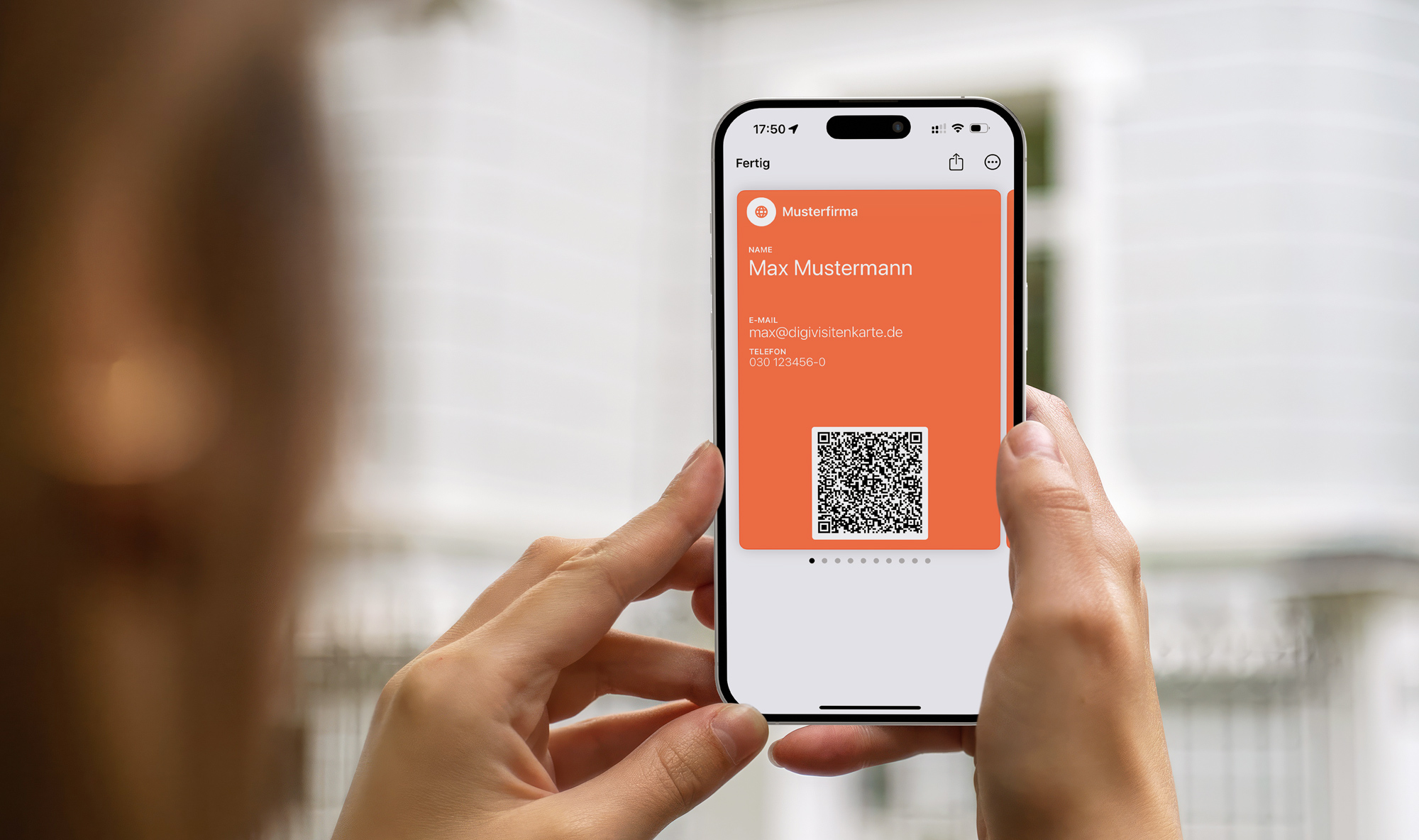
When people consider switching to a digital business card for iPhone, the same questions often come up. That is normal. These answers summarize the most important practical points so you know exactly what to expect from this type of service.
Can I change my details later?
Short answer: no. This is a one-time purchase. A final Wallet file in .pkpass format is created for you, and that file is self-contained and static. Editing the data afterward is not part of this setup.
If your contact details change later, you create a new card with the updated information and replace the old one in Apple Wallet.
Do I need a special app?
No, and that is what makes the process so straightforward. You create your digital business card directly in the web browser. Afterward, you save the card in the Apple Wallet app, which is already installed on every iPhone.
You do not need to download anything extra. That keeps the process smooth for you and for the person receiving your card.
How secure is my data?
Data security is a central point. The process is intentionally data-minimal. The information you enter is used for the one-time creation of your Wallet file.
There is no permanent user account created for you, and your usage is not tracked. Once the card is created, it lives locally in Apple Wallet on your iPhone.
Ready to modernize your networking? Create your own digital business card quickly, simply, and without a subscription.
Use DigiCard Pro to create your professional digital presence.