How to Create Business Cards with a QR Code: Smart Networking Strategies
Learn how to create business cards with a QR code, choose the right details, and use digital cards professionally in everyday networking.
Anyone who wants to create business cards with a QR code today is usually looking for more than a digital copy of a paper card. The real value is building a direct bridge to your digital world, from your LinkedIn profile to your online portfolio, and making the whole networking process faster, cleaner, and more professional.
Why a QR code business card improves networking
Let us be honest: the traditional paper business card has often done its job poorly. It is handed over politely, placed in a pocket, and later disappears into a drawer. A digital business card with a QR code makes exchanging contact details more modern, more efficient, and more sustainable. It is a smart way to create a professional connection quickly.
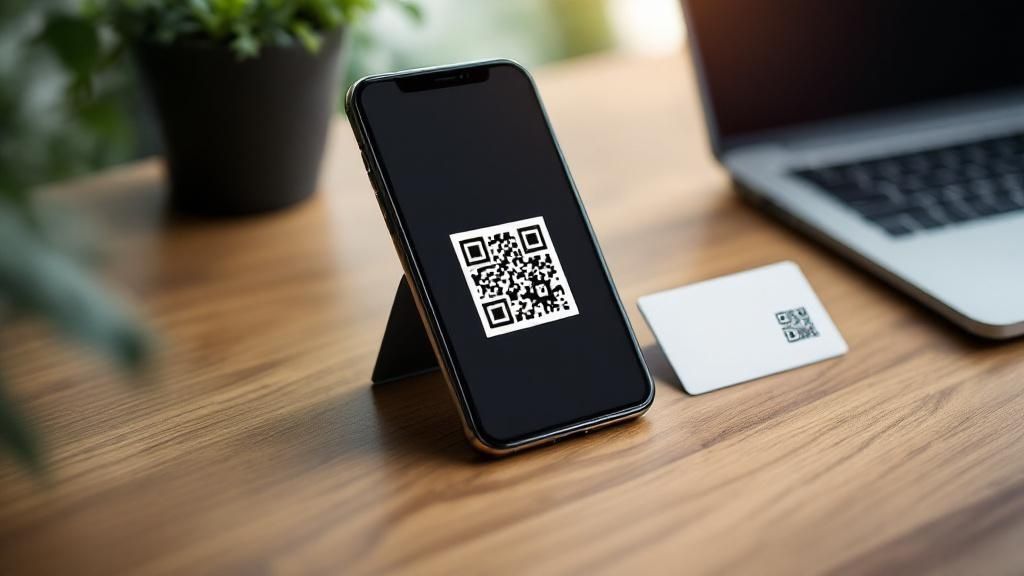
Imagine a typical situation at a trade fair or conference. Instead of handing over a card that the other person has to type in later, you take out your phone. One quick scan of the QR code is enough, and all important information lands directly in the new contact's address book without errors.
More than name and number
The real advantage is that you can share far more than basic contact details. You can include direct links to the online places that matter most for your work. For example:
-
Your LinkedIn or XING profile for direct professional networking.
-
Your online portfolio or personal website to show your work immediately.
-
A link to your online calendar, so interested people can book a meeting with you directly.
With this approach, you offer immediate value and leave a professional, future-oriented impression. You signal clearly that you appreciate efficiency and modern solutions.
QR code acceptance has grown rapidly in recent years. The COVID-19 pandemic accelerated their use in Germany and many other markets because contactless interaction suddenly became part of everyday life. That habit has stayed in business settings because scanning is simply a clean and fast alternative to exchanging paper.
Modern QR code generators make creation easy, as the following example shows.
The interfaces of these tools are now designed to guide users intuitively through the process. The technical barrier to creating your own digital business card has practically disappeared.
Choose the right information for your digital business card
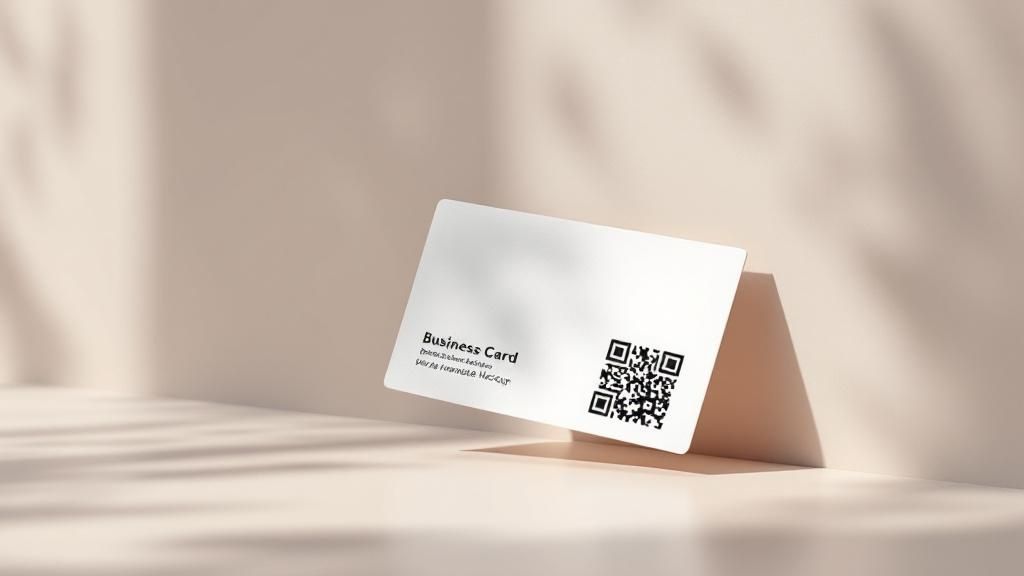
The real strength of a digital business card appears when it presents the right information clearly. The rule here is simple: less is more. Instead of overwhelming the other person with a confusing collection of links, choose details that match your professional goals and your audience.
Think of your card not as a complete archive of your career, but as a smart signpost. A software developer may want to emphasize a GitHub profile to demonstrate skills directly. A sales professional may benefit much more from a direct link to Calendly so potential clients can book a meeting easily.
This strategic preparation matters because with a one-time generated file, such as the model used by DigiCard Pro, the data cannot be changed after purchase. You have one chance to create the right first impression, so the details should be deliberate.
Checklist for choosing the right details
Before you create business cards with a QR code, take a moment to think about your core strengths and goals. This checklist works well in practice:
-
The basics, which are essential: Full name, job title, email address, and phone number. This is the foundation of the card.
-
The most important business link: Focus on one central link. For many people, this is LinkedIn or XING. For creatives, it may be a portfolio on Behance or Dribbble. For researchers, it may be a profile on ResearchGate.
-
The call to action, optional but powerful: Add a link that triggers a useful next step. That could be a meeting booking page, your company website, or a current project you are proud of.
-
The address, only when relevant: Add a physical address only if location matters for your work, such as a shop, clinic, studio, office, or law firm.
If you focus on these points, your digital business card becomes more than modern. It becomes effective. It guides the other person exactly where the next useful step happens and helps lay the groundwork for a stronger business relationship.
How to create your QR code business card for Apple Wallet and Google Wallet
The strategy is clear and the content is planned. Now comes the actual creation of your digital business card. The good news: creating a free QR code business card or a wallet-ready QR code card is easier than ever. Providers such as DigiCard Pro have optimized the process so you can be ready in a few minutes without technical knowledge.
The whole flow is built for simplicity and speed. There is no user account, and you do not start a subscription. Instead, it is a one-time purchase. At the end, you receive a finished file or wallet-ready setup that you can use immediately.
Enter your details and refine the design
First, fill in the fields with your information. These are the basics such as name, role, company, email address, and phone number. Then add the links to your social profiles or website that you selected earlier.
Most tools include a live preview, which is genuinely useful. You can see immediately how each change affects the final result. Here is a look at the input interface from DigiCard Pro, so you can picture the process more clearly:

The interface is designed to be self-explanatory. It guides you step by step through entering your data, uploading your logo, and choosing suitable card colors. When everything looks right, the final step is exporting your finished card.
Add it to Apple Wallet and Google Wallet
Once you have your digital business card file or wallet link, adding it to your smartphone wallet is straightforward. Apple Wallet and Google Wallet are built for this kind of fast access, which makes them ideal for networking.
-
For Apple Wallet: Open the wallet pass file or link directly on your iPhone. The phone asks whether you want to add the card to Wallet. Tap Add, and it is ready.
-
For Google Wallet: On Android, the process is similar when the provider gives you a Google Wallet link. Open the link and Google Wallet offers to import the card.
That is all. Your digital business card is now always within reach on your smartphone. In the next conversation, you take out your phone, the other person scans the QR code, and they have all your details. It is a smooth and professional exchange that leaves an impression.
Smart networking strategies with your QR code card
Anyone who thinks a digital business card is only a nicer replacement for paper is missing the bigger point. In practice, it is a dynamic tool that can meaningfully improve your networking. The key is not just to show the card passively, but to use the exchange as a conversation starter.
A simple scan of the QR code can be the spark for a valuable business relationship. Instead of the usual "Here is my card," try a more proactive approach: "Let's connect directly. I have all the important links in one place for you." That sounds modern and efficient, and it also removes work from the other person.
Adapt the exchange to the situation
In networking, context matters. Every situation calls for a slightly different approach, and that applies to your digital card as well. If you adapt your style to the setting, you leave a stronger positive impression.
-
Formal business meetings: In a meeting, professionalism is the priority. Wait for a suitable moment, such as when you are discussing next steps, and offer the scan as an easy way to exchange information directly.
-
Casual industry events: At trade fairs, meetups, or local business events, the pace is often faster. Here, the QR code can work as a quick icebreaker so even short encounters can turn into follow-up opportunities.
One important point is often forgotten: the follow-up. After the digital exchange, the work is not done. It has just started. Send a personal message soon afterward through LinkedIn or email. Refer briefly to the conversation you had so the connection feels specific and memorable.
That is how a quick scan becomes a sustainable business relationship. The point is to stand out by using the digital advantages intelligently. A thoughtful strategy for how you create business cards with a QR code is just as important as how you use them in real conversations. If you need technical help for the iPhone-specific version, the guide on how to create a business card on iPhone is a useful next step.
Why digital business cards are more than a trend
Anyone who still sees digital business cards as a short-lived novelty is overlooking a deeper change in professional networking. This is not just hype. It is the logical and overdue evolution of how we create, save, and maintain professional contacts.
The growing adoption in Germany and around the world tells a clear story. There are several reasons for that, but one stands out strongly: sustainability. Every digital card you share saves a printed card. That sounds simple, but the effect adds up. You reduce paper waste and printing materials while also sending a clear message about your values and your company's mindset.
A clear signal of a future-ready image
When you choose a digital business card, you say more about yourself than you might think. You signal openness to new tools, technical confidence, and a modern mindset. That strengthens your professional image and positions you as someone who works with the times.
This development is also visible in market numbers. The market for digital business cards continues to grow strongly, with experts forecasting average annual growth of around 10% over the coming years. For 2024, the global market volume is estimated at about 181.46 billion US dollars, with projections reaching up to 389.3 billion US dollars by 2032.
When you create your own business cards with a QR code, you are making a deliberate statement. You are showing that you are ready for the future of networking: a future that is digital, dynamic, and more sustainable.
Common questions about digital business cards with QR codes
Switching to a business card with a QR code is exciting, but it often raises a few questions. That is completely normal. The new style of networking is simple, but there are still a few points people commonly want clarified before they start.
The good news is that the technology is now mature enough for the whole process to work smoothly. QR codes are widely accepted in everyday life, including in Germany. Global QR code scans are expected to keep growing significantly, and estimates suggest that QR code creation continues at a very high pace. The habit of scanning has become normal for many people.
Can I change my details after purchase?
This is one of the most important questions, and with a provider like DigiCard Pro the answer is clear: no. This model is a one-time payment for a final file. There is no subscription, no user account to manage, and your details are not stored on a server for later editing.
What that means for you:
-
No hidden costs: You pay once, and the file belongs to you.
-
No later changes: Once the card is created, the information is fixed.
-
Strong data security: Because your details are not stored online in an account, there is less exposure to data leaks.
Does the other person need a special app to scan it?
No, and that is one of the strongest advantages of this method. Every modern smartphone, whether iPhone or Android, has QR scanning built directly into the camera app.
Your contact simply opens the camera and points it at your QR code. A notification appears and leads directly to saving your contact details. No app download, no technical explanation, no friction. The exchange takes only a few seconds.
Can I print the QR code on a paper business card?
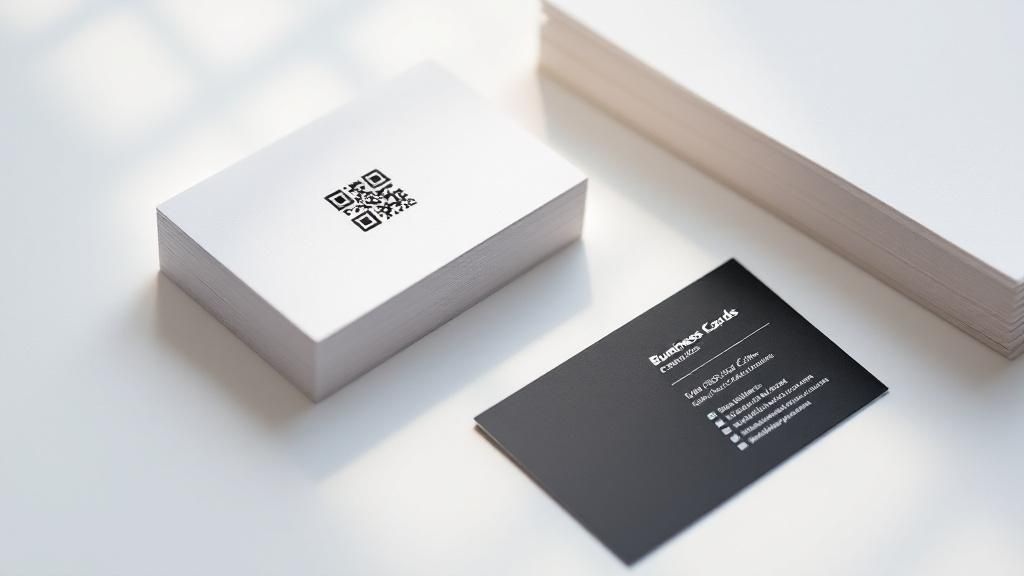
Yes, absolutely. This is even a smart way to combine the best of both worlds. You can download the generated QR code as an image file and place it into the layout of a traditional printed business card.
That way, you still hand over something tangible, which is valued in many industries, while also offering the convenience of instant digital import. Your contact does not have to type anything, and you can be confident that your details are saved correctly.
Ready to make your networking simpler and more effective? Create your professional digital business card with DigiCard Pro, quickly, clearly, and without a subscription.